

Proctoring
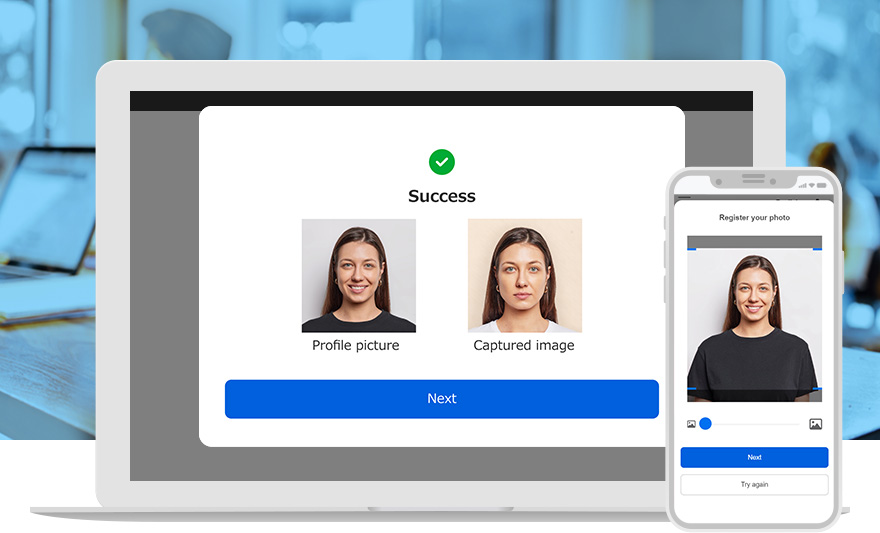
AI authentication and browser monitoring ensure fair learning, even online!
Various anti-fraud measures can be configured to suit the situation, such as AI-based facial recognition and browser monitoring during learning.
Please use this system in situations where fairness is required, such as online classes, online examinations and certifications, and promotional exams.
Proctoring Features
- AI-powered facial authentication
- Browser Proctoring
- Photo Capturing
- Proctor Report
Features
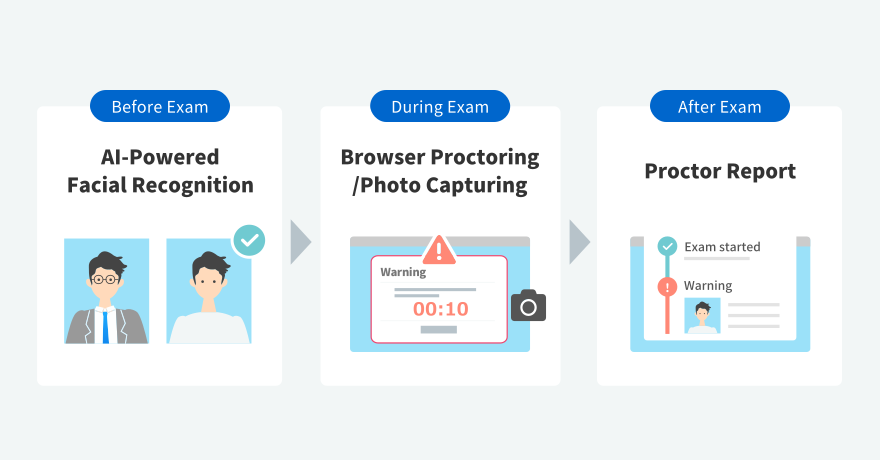
Tailored Proctoring Settings
The anti-fraud function can be used to deter spoofing and cheating, and to record and view learner operations. Anti-fraud measures can be configured as necessary for each content.
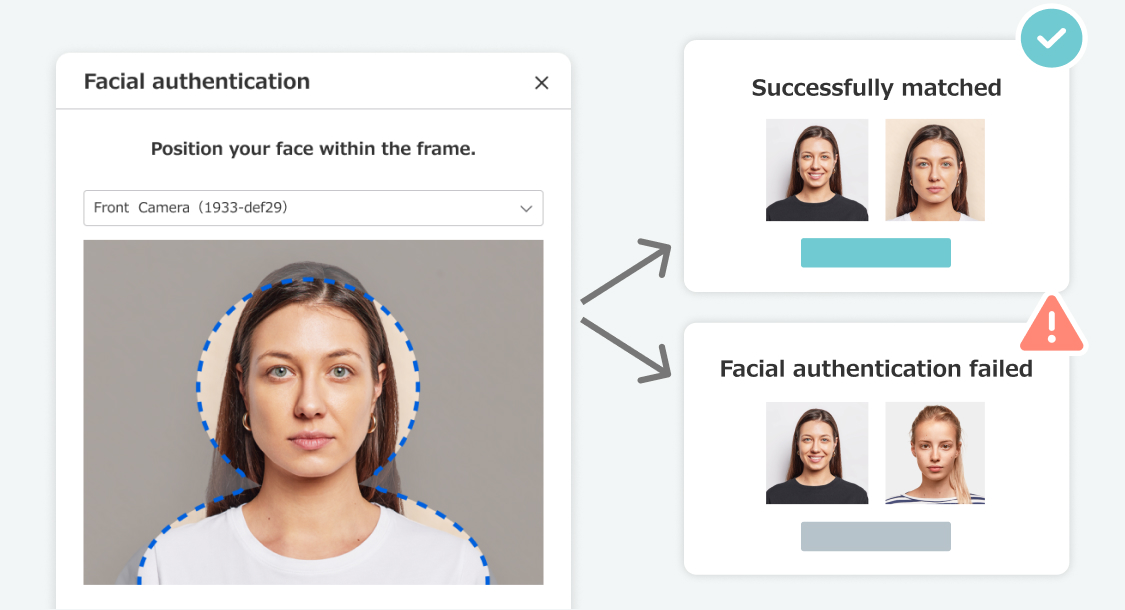
AI-powered facial authentication
The AI authenticates the user's registered photo and the photo taken just before the start of learning. If the authentication continues to fail, the user will not be able to start learning.
*Standard or higher plan required
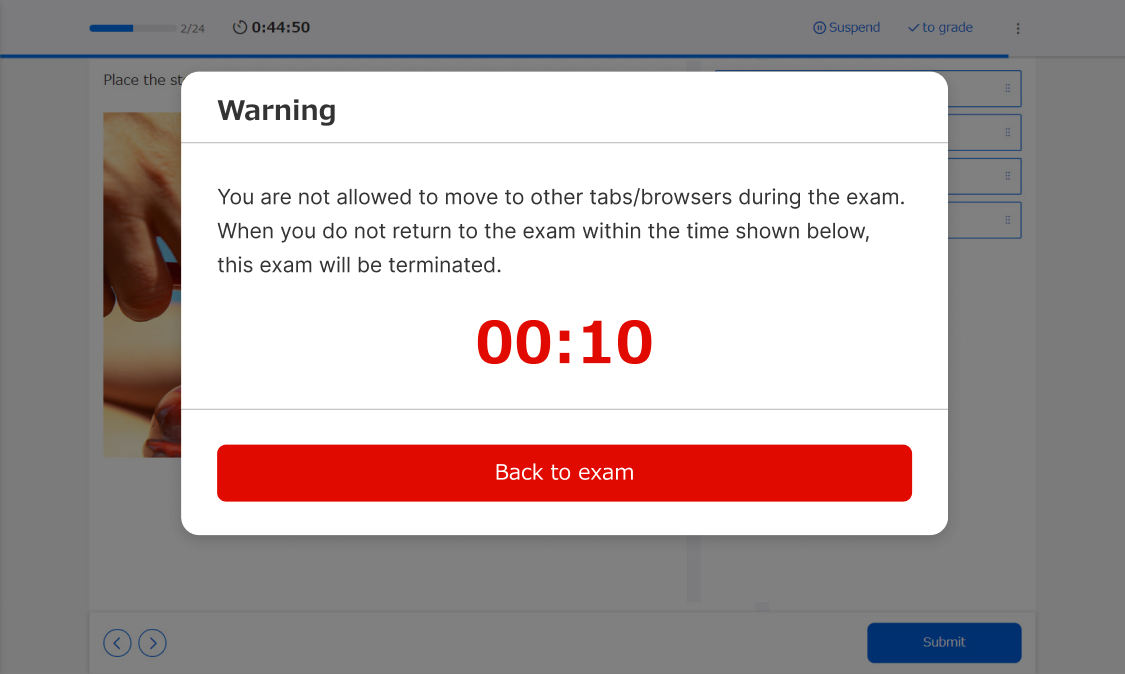
Browser Proctoring
During learning, you can issue a warning or force the end of learning when you "create a new tab" or "cancel full screen".

Photo Capturing
Monitor your learners by taking photos during their sessions. You have full control over the timing, with options like 'Trigger on Warning' or 'Random Capture'.
*Standard or higher plan required
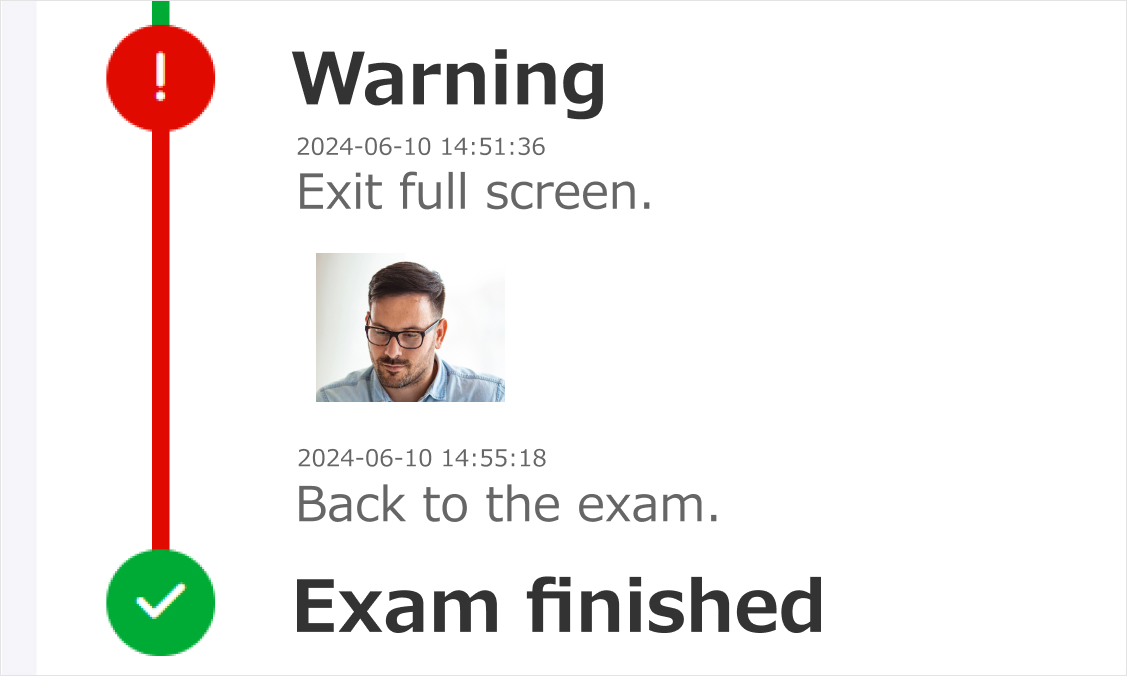
Proctor Report
This section displays the learner's actions and any warnings triggered during the session. When the total number of warnings goes over the set limit, the system displays a suspecious level.


