

Manage contents
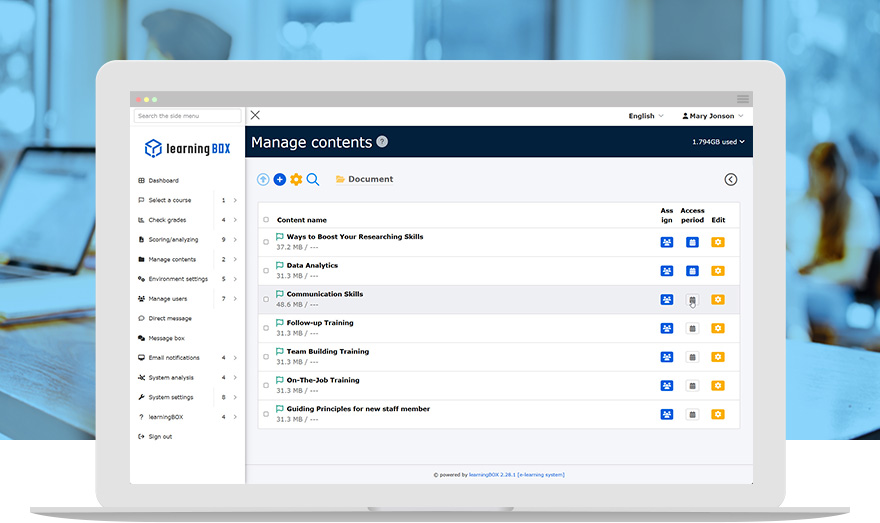
Streamline Content Creation with
a Simple Web-Based Interface
From web-based quizzes and tests to PDF resources, video content and questionnaires, you can deploy a diverse range of training materials with ease.
Key Features
- Content creation
- Course creation
- Content assignment
Features
Key 01
Create a wide array of engaging learning content.
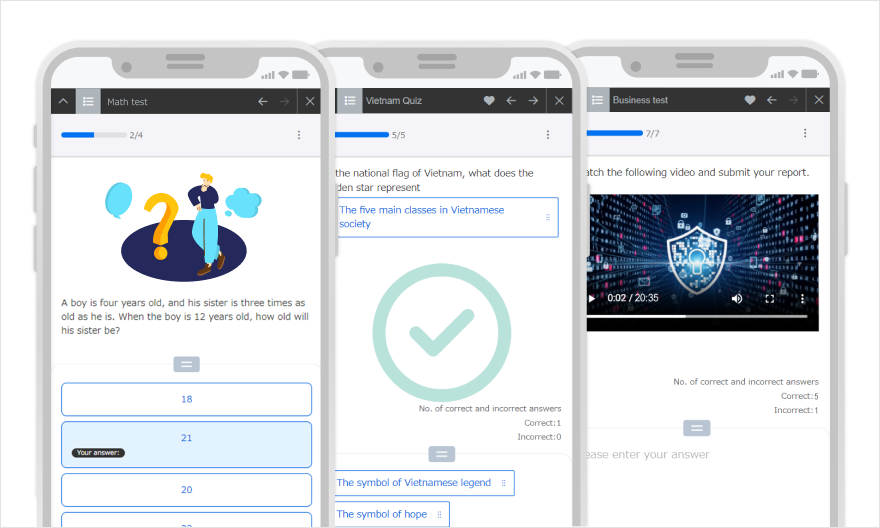
Online Quizzes and Exams
Create custom exercises and assessments by choosing from 14 question formats, including multiple-choice and true/false. You can also seamlessly integrate images, audio, and video into questions, answer choices and descriptions.
Question Types
- MCQ (radio buttons)
- Image MCQ
- MCQ (button)
- Multiple MCQs
- True/False
- Matching
- Sequence
- Fill-in-the-blank
- Short answer
- Short answer +
- Multiple short answers
- Pull-down menu
- Report/questionnaire
- Description
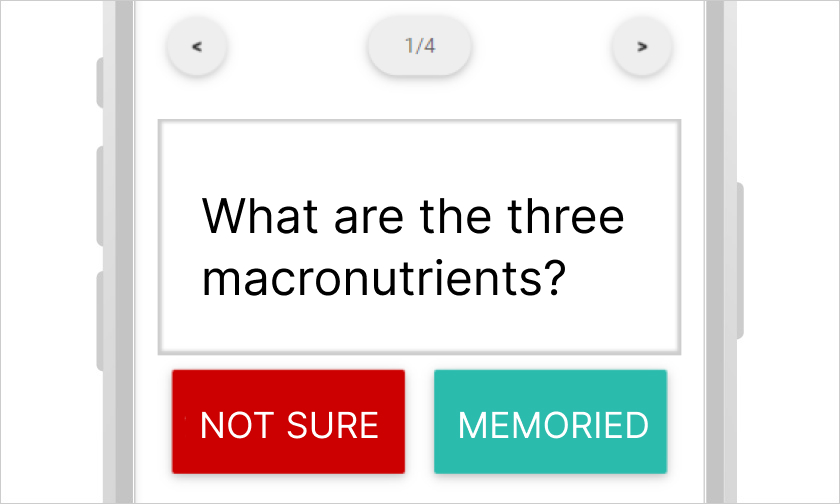
Flashcards
Be ready for an exam. Flashcards will show you ones you have not memorized.

Video
Upload videos as learning content with restricted playback (No Double-Speed/Skip).
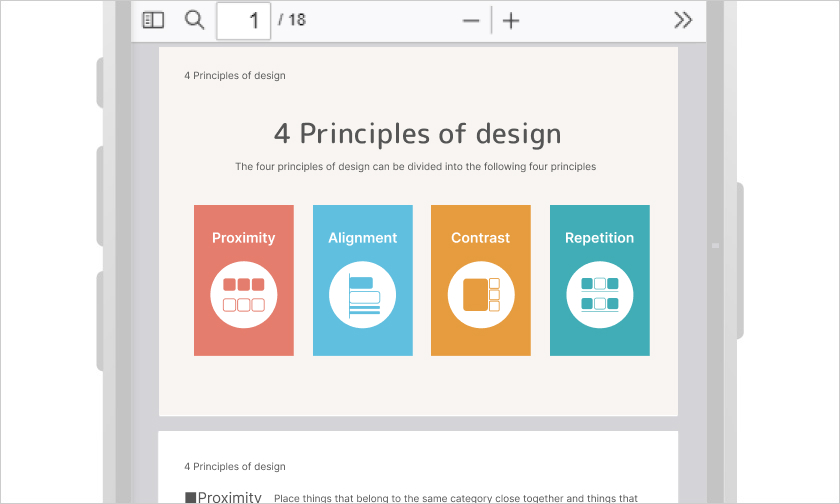
PDF data created with Excel or PowerPoint can be distributed as learning content.
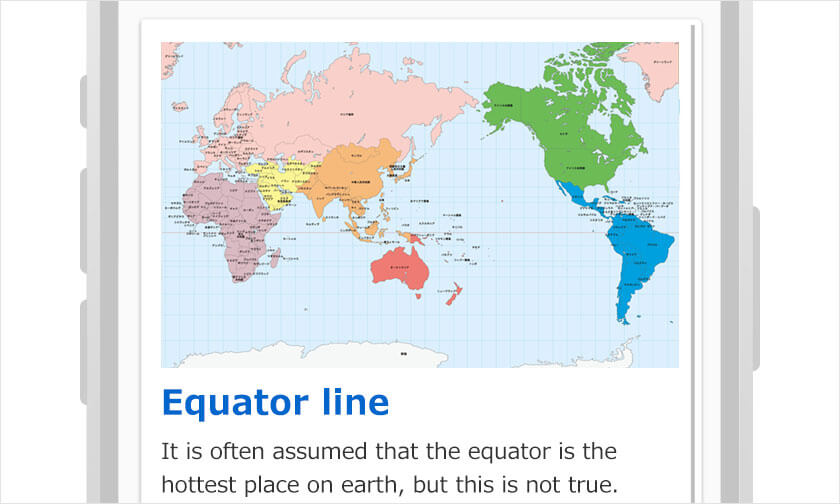
Web page
Tailor your page with colors and images indicating easy steps for learners.
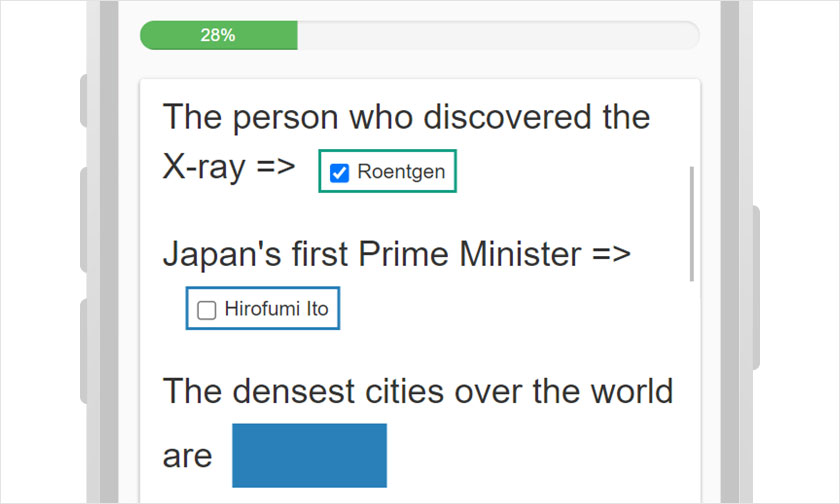
Show/Hide Workbook
Hide keywords to memorize. Progress rate shows you how much you have memorized.
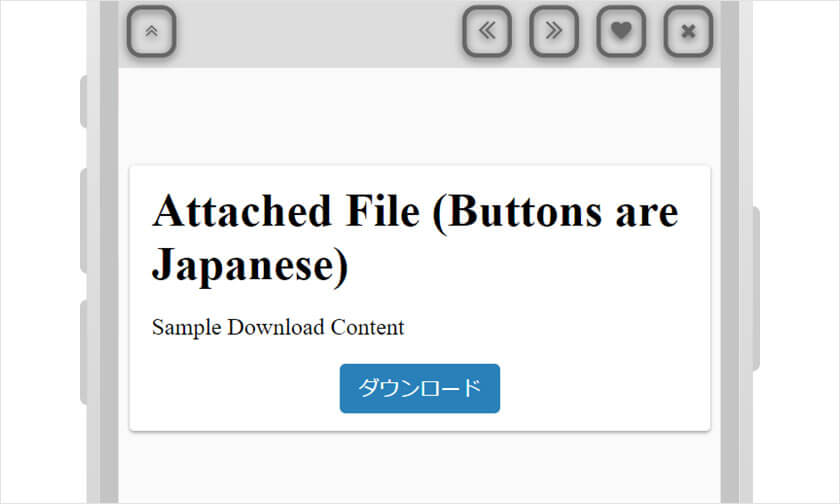
Upload file
Learners can download various types of files on learningBOX.
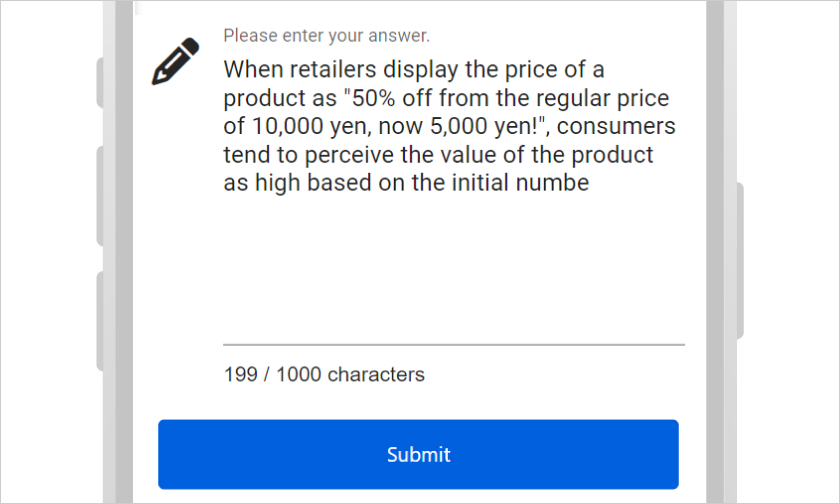
Report assignment
Learners can submit assignments by typing text or uploading files.
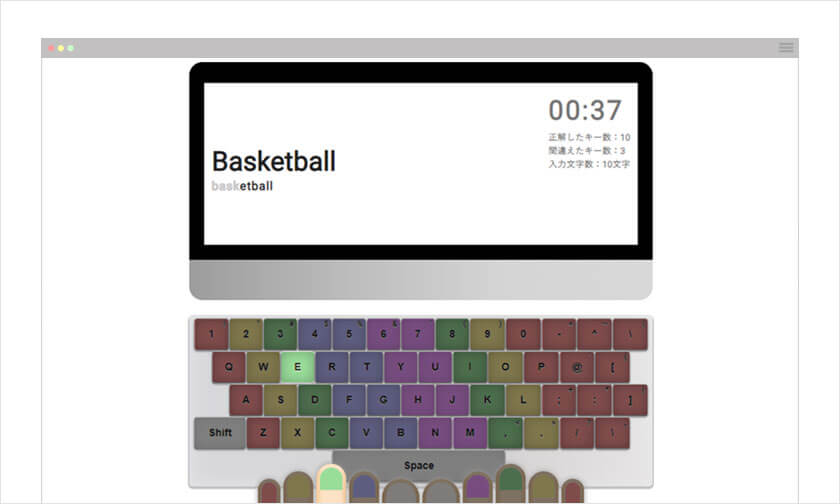
Typing content
Create unique typing practice in your course to improve typing speed.
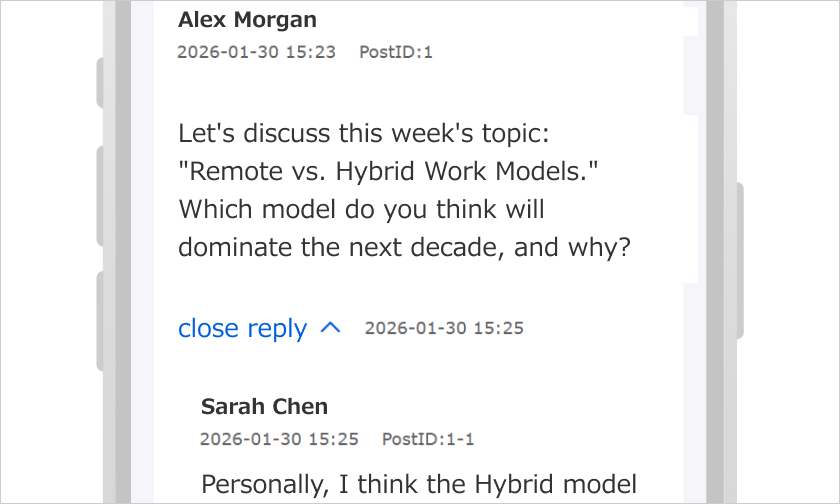
Discussions
Post in threads to exchange ideas and collaborate with learners on specific topics.
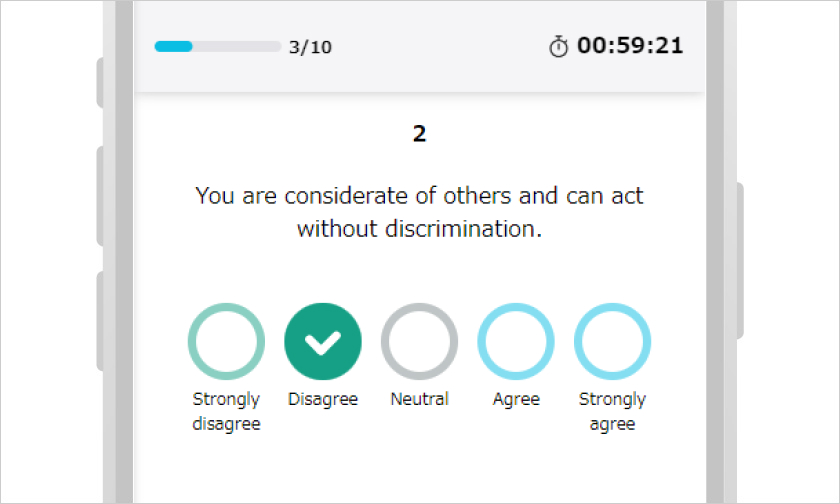
Personality test
Create your own personality tests, and share the results with candidates.
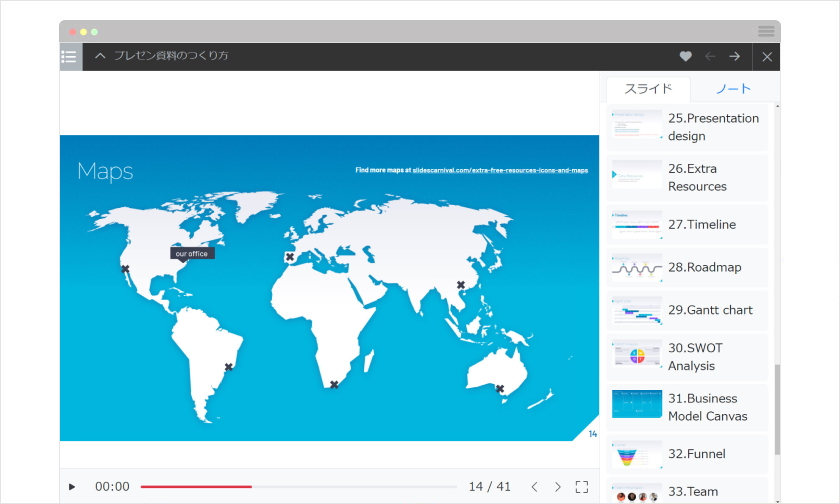
PowerPoint Material Import
Files created with PowerPoint can be imported directly and used as learning content.
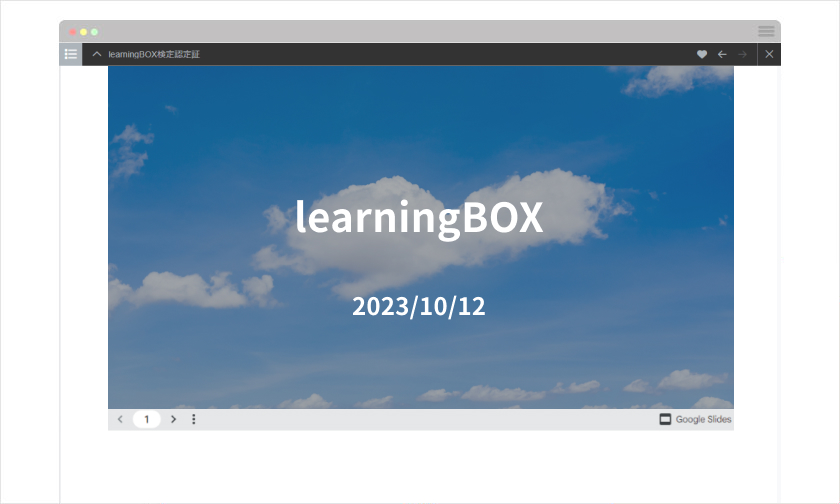
Embedded Content
Import and embed iframe content from YouTube, google slides, etc.
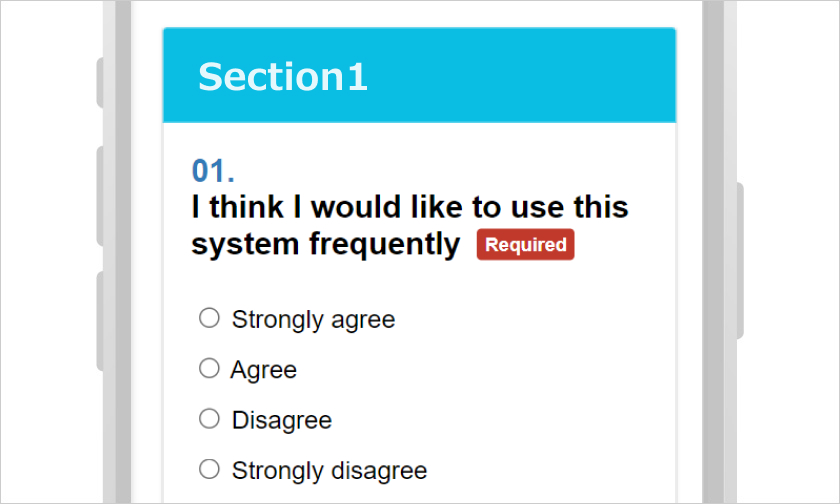
Questionnaire
Analyze data and improve your online course by collecting feedback from learners.
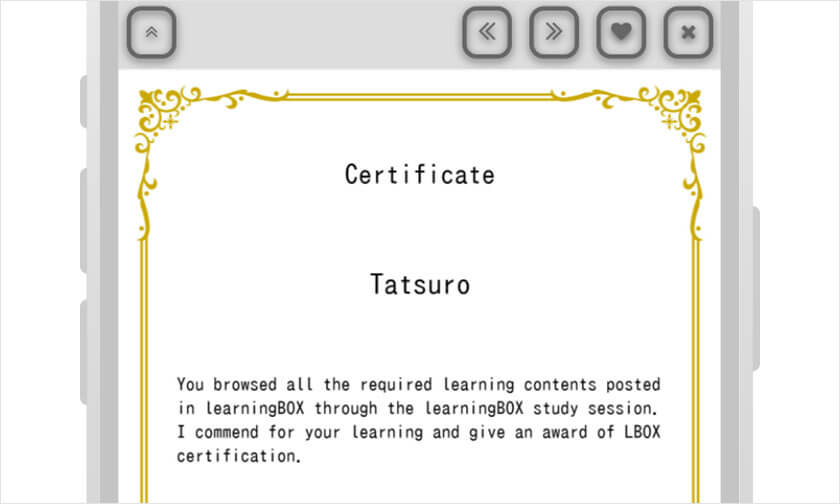
Certificates
Certificates can be issued. You can create as many certificates as you like for each content or unit.
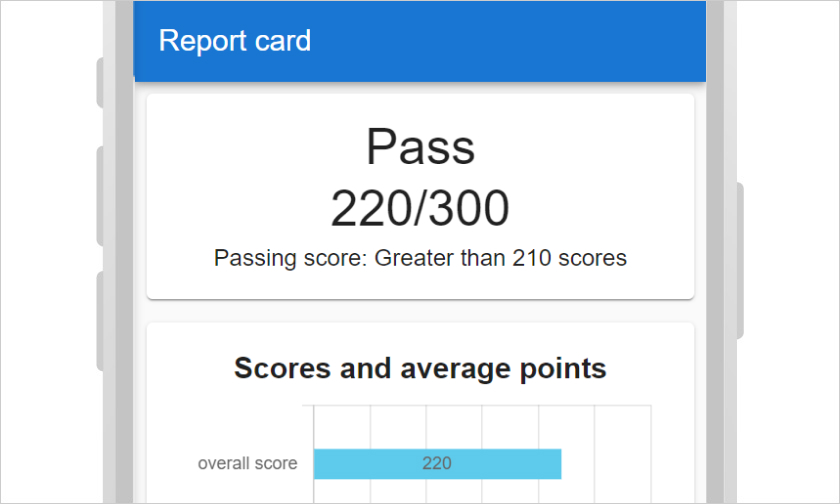
Score chart
You can specify learning contents and create your original gradebook.
For SCORM
learningBOX is compliant with the SCORM standard.
iSpring and Adobe Captivate can be imported to learningBOX.
Key 02
Configure detailed settings for each learning module.
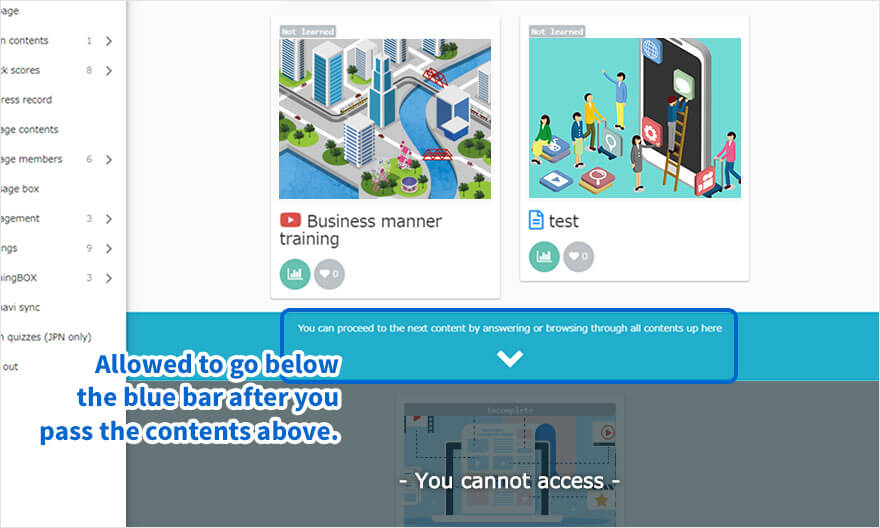
Set conditions for effective course building.
Enforce structured learning using 'Prerequisites.' This feature allows you to control the learning sequence, ensuring users only advance after completing the previous step. A typical flow systematically improves learner proficiency and ensures no critical information is missed.
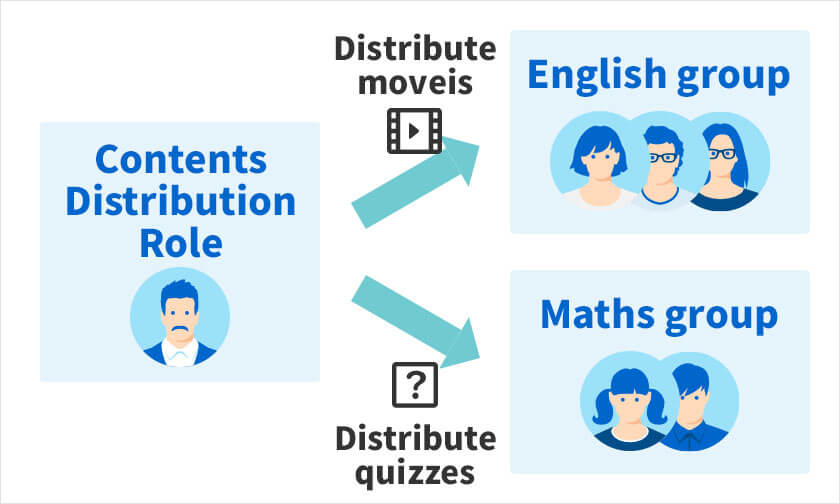
Assign content
Assign content to specific groups or individual learners with ease. Learners will only see the content that have been specifically assinged to them.
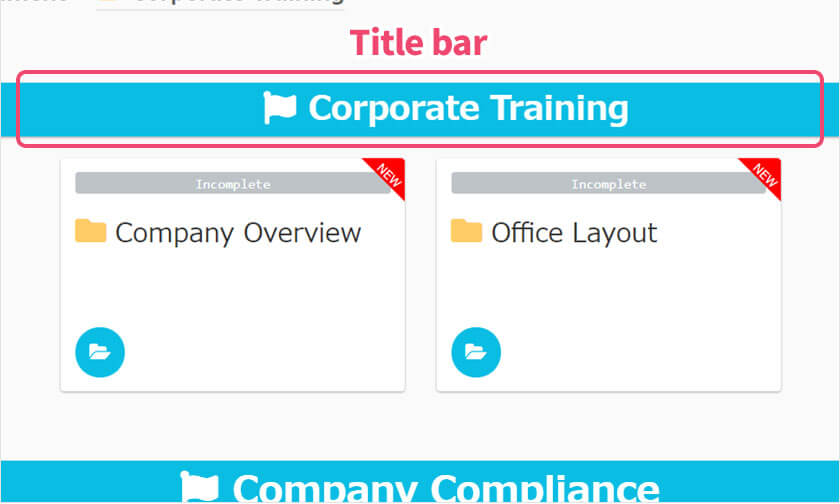
Headings
Beyond content titles, you can also insert custom headers to better organize your course structure.
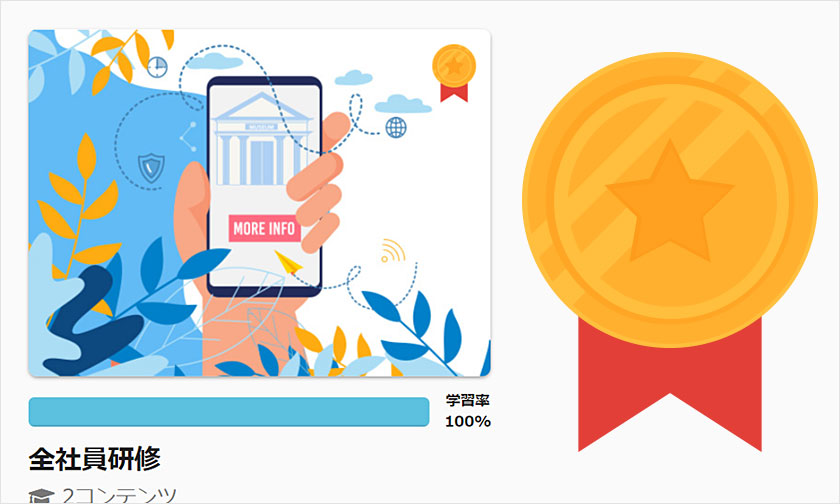
Badges
Reward achievements by displaying badges based on progress. You can also customize these badges with your own unique images.
Others
- Access period
- Limit attempt
- Time limit
- Pause/resume
- Point settings
- Questions by section
- Sound effects
- Limit number of questions
- Random questions and choices
Key 03
Create engaging learning content with ease.
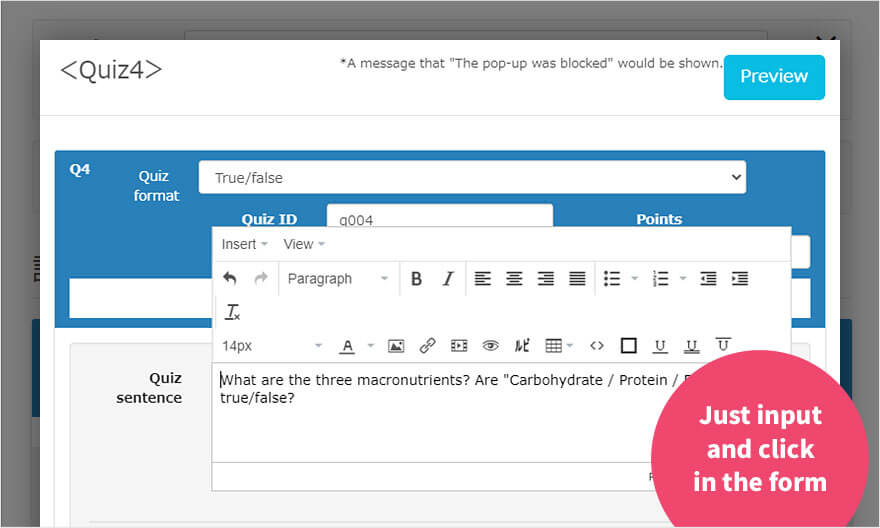
Intuitive creation form
No programming knowledge is required to create questions.
*Tens or hundreds of questions can be uploaded in batch using Excel and text.


