

Manage users
Management roles will perfectiy fit
for your organization
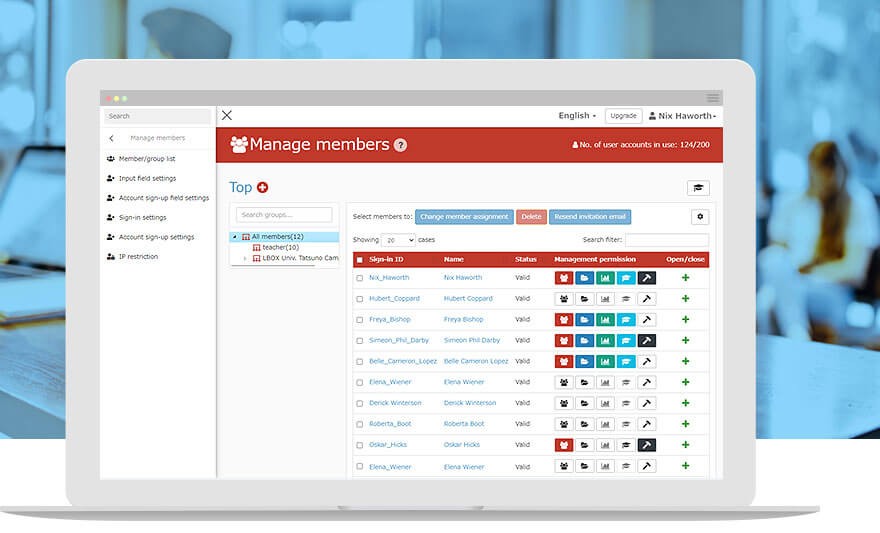
"Manage users" allows you to register, edit and assign the management roles for both learners and admins, and it also supports batch registration with a CSV file, making it easy to manage a large number of users. Users can also be managed in groups, so that students can be grouped by class, employees can be grouped by department and so on.
Features
- User Invitation
- Request an account
- Managing and editing users
- Creating a group
- Assign roles
Features
Key 01
Easy user registration and management
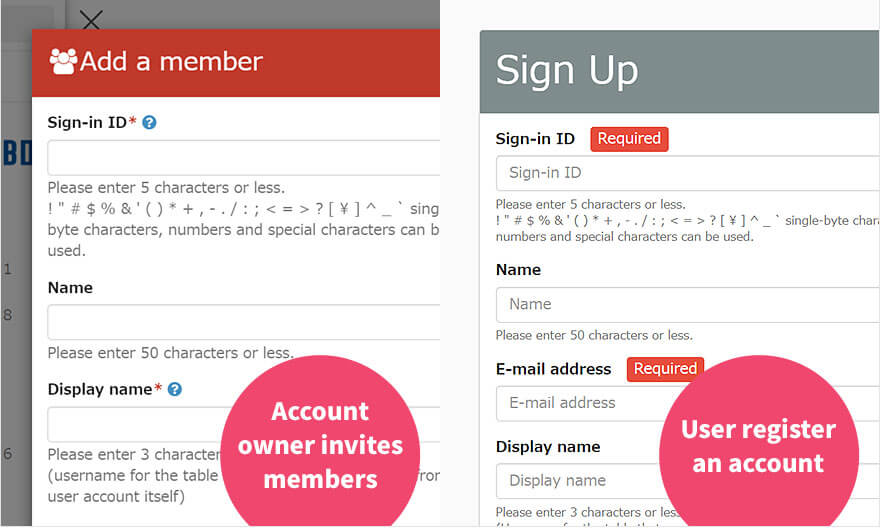
User invitation/Self-registration
New users can be invited from the admin. When you conduct an online examination, self-registration* will be a help help. Admin can approve/reject the application from the examinees, which will save your time to register each of them one by one.
*eCommerce option will be required.
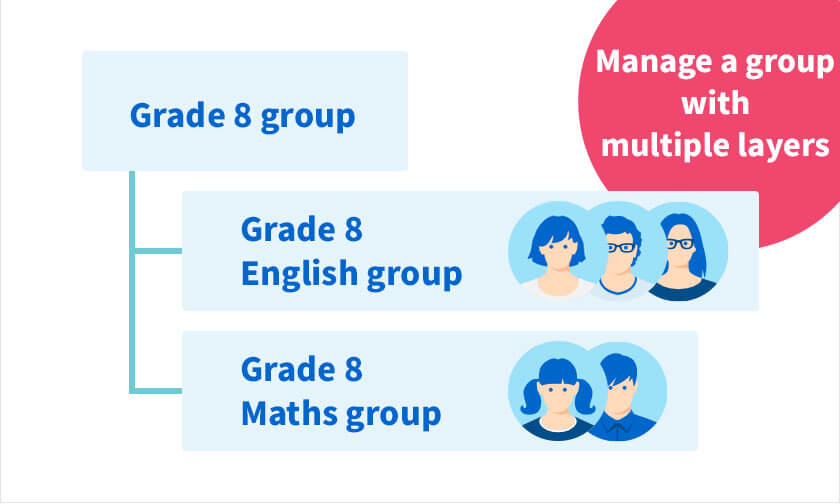
Manage groups
Multiple groups can be assigned to a user. Leveraging this feature, users can take specific content by group.
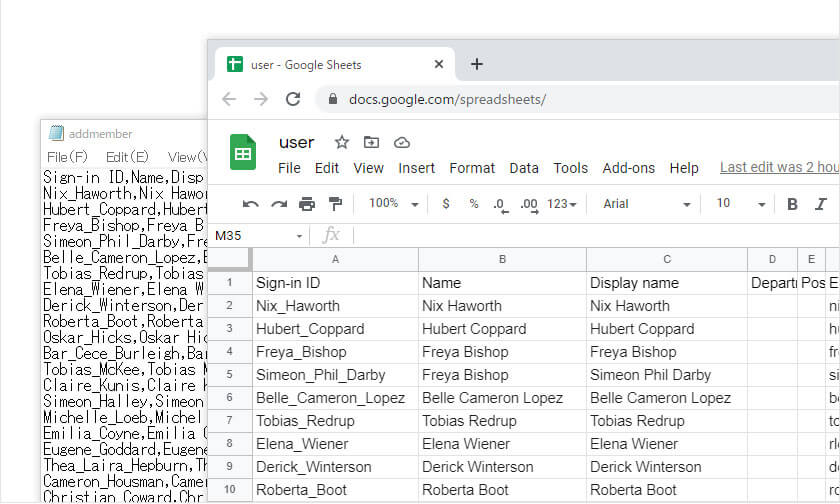
Bulk registration by CSV
Save your time with a CSV file when you register tens or hundreds of users in bulk.
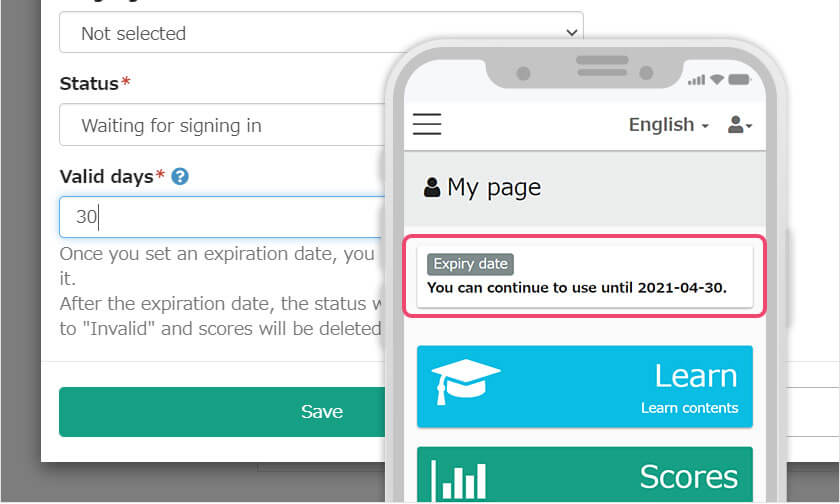
Expiry date
Manage accounts by setting the expiry date. It will automatically block the user logins after the date, remaining the grade data.
*When the sign-in ID, display name and email address already exist in the server, you cannot use the information. For more details, clickDuplication of items during user registration
*For the number of simultaneous accesses, clickConcurrent login
Key 02
Management roles
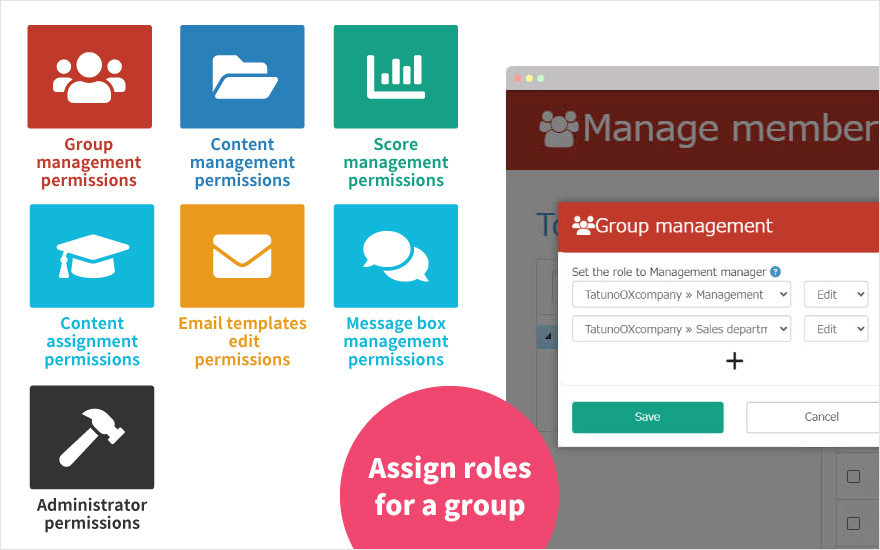
Streamline your work process
Customize the management roles to streamline your work process. Specific roles will save your time and reduce your workload.
Roles can also be assigned to each group, which will limit the access to the specific content.


