If you are using au carrier mail
-
Access the "Junk e-mail filter" settings page.
-
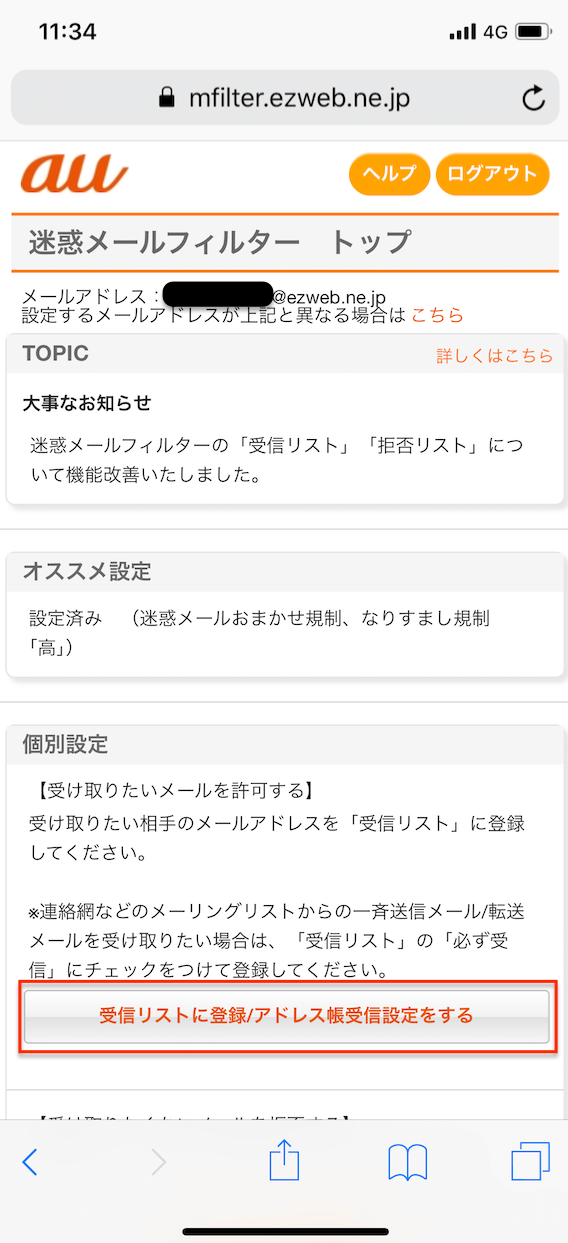
[Tap [Add to Receiving List / Configure Address Book Receiving Settings].
-
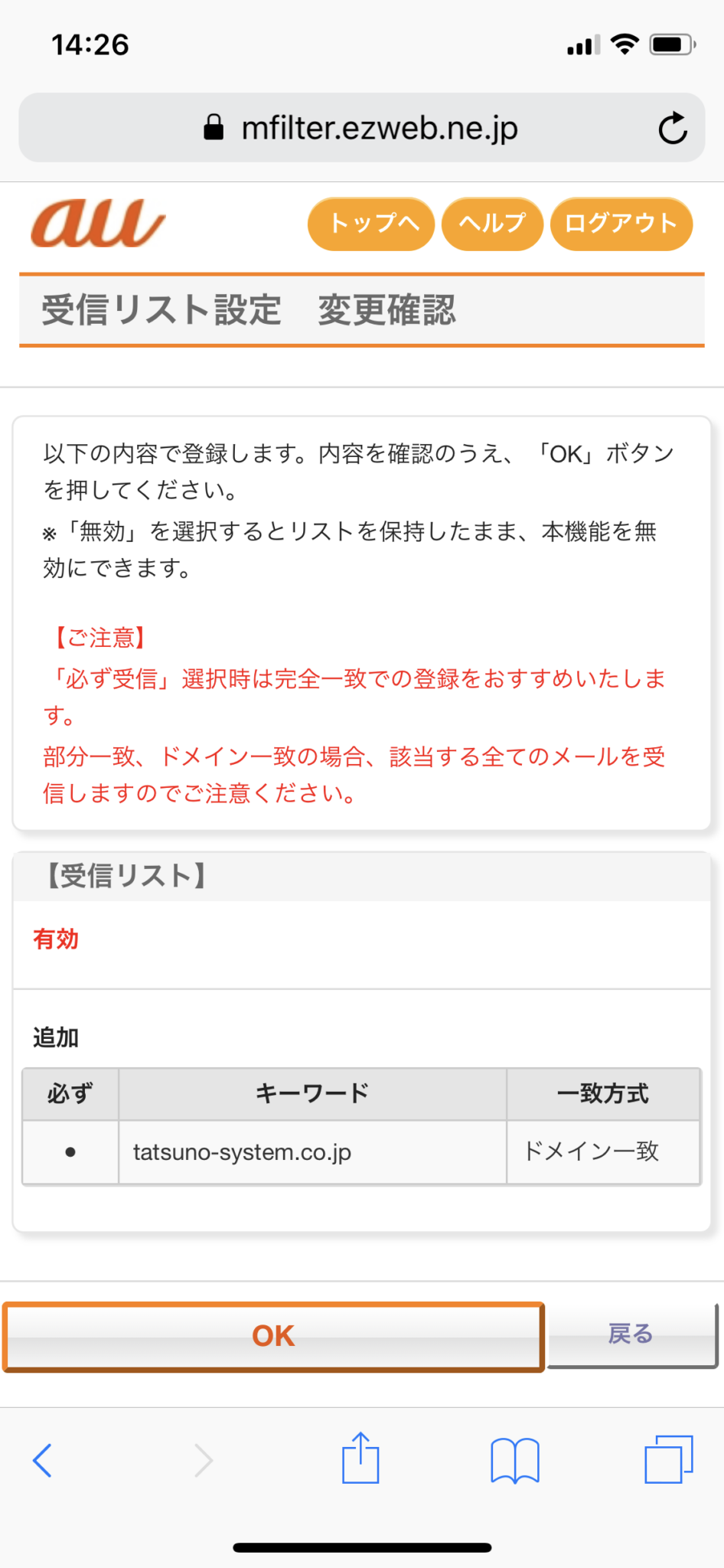
Enter the email address/domain you wish to receive and the range of match confirmation (domain/full/partial match) in the Keywords field. Then tap the checkbox next to it. Finally, select "Receiving List Enable Settings" and tap "Make Changes.

-
Tap OK. This completes the process.