


Significant Reduction in Time, Cost, and Safety Burden, with Increased Autonomous Learning
 Employee training (training management)
- Knowledge Sharing
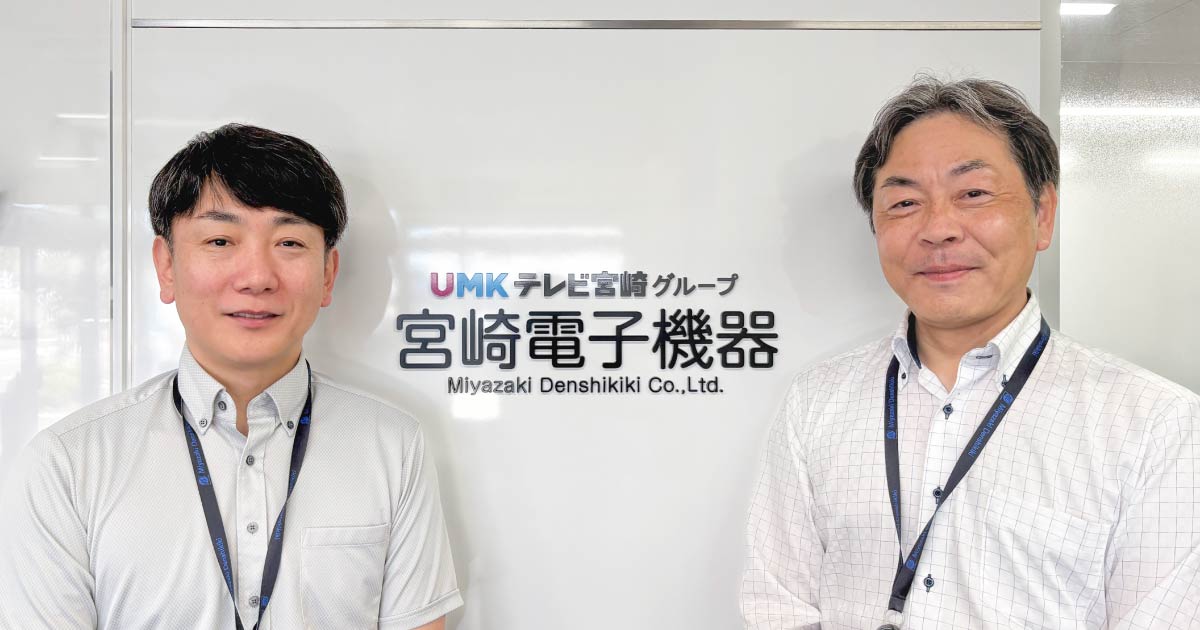
Miyazaki Denshi Kiki Co., Ltd. offers one-stop services focused on IT solutions that enhance productivity, from proposing office workflow improvements to product implementation and support. To digitize training for our sales staff, we introduced learningBOX. By moving our group training sessions online, we greatly improved issues related to travel and accommodation costs, time constraints, and safety. It has now been two years since implementation, and we are developing learning frameworks tailored to different job categories, while utilizing learningBOX as a platform to centralize in-house knowledge. In this article, we interviewed key DX project leaders about the background of the implementation, specific utilization methods, and future outlook.
2. Sales of personal computers, network-related products, and software from various manufacturers
3. Construction and maintenance of system networks
4. Catalog and online sales of office supplies
Manager, Sales Promotion Section
Mr. Akira Miyaura
DX Promotion Office
Room monitor
Mr. Yohei Nagatomo
- We handle a wide variety of products, requiring sales and technical staff to have extensive, up-to-date knowledge. However, training was mainly conducted in person, limiting the ability to update and share information internally.
- Each time training was held, staff had to travel to the head office, with some employees spending more than two hours one way. This resulted in significant burdens in travel time, transportation and lodging costs, and time constraints.
- Transitioning from group training drastically reduced travel and accommodation costs, time constraints, and safety risks.
- With regular DX skill checks, we can now visualize learning retention.
- Job-specific training utilizing learningBOX is fostering a culture of autonomous learning within the company.
- Centralized management of company knowledge has also helped widen the digital transformation of our sales activities.
- We could try the Free Plan and test usability before fully committing.
- The interface is simple and intuitive, and the features left a good impression.
- Robust functions for developing educational content and tests made it easy to measure learning effectiveness.
- The low cost made it easy to adopt.


Addressing the Limits of In-Person and Paper-based Training
Can you describe your company's business and your roles?
Mr. Nagatomo: The ability to create not just materials but also tests was appealing. The fact that we could operate
I serve as the manager of the DX Promotion Office. The DX Promotion Office consists of members selected from various internal departments, including sales, services, system sales, and general affairs. Most members hold dual roles, but I am dedicated full-time, responsible for overall policy and project management.
Mr. Miyaura: The DX Promotion Office handles company-wide DX initiatives, employee training, process improvements, and system deployments.
I am a member of the DX Promotion Office and also lead the Sales Promotion section. Leveraging my sales experience, I am committed to furthering DX across the entire company.
What motivated you to consider an e-learning system, and what challenges were you facing beforehand?
Mr. Nagatomo: In addition to Fujifilm business products, our sales department handles a wide range of items, including security products, PCs, and software. This requires extensive product knowledge due to the many vendors we deal with.
Previously, we held group training sessions for each product, but with everyone juggling multiple duties, there was a growing need for more efficient ways to share information.
We realized that implementing an e-learning system, allowing staff to learn "anytime, anywhere", was essential.
Were in-person training sessions held at each branch?
Mr. Nagatomo: For product-related training, most sessions required gathering at the head office. Rather than using the internet, we typically presented materials via projector and distributed paper handouts.
Ease of Use and Features Were Key
How did you first hear about learningBOX, and what made you decide to implement it?
Mr. Nagatomo: I discovered learningBOX while researching various e-learning services online. It seemed to fit our requirements.
Free Plan was particularly helpful. We started using it casually with a few members from the DX Promotion Office—as I recall, it was free for up to 10 accounts.
After testing it with a small group, we found it user-friendly, and the features worked well for us, so we decided to implement it.
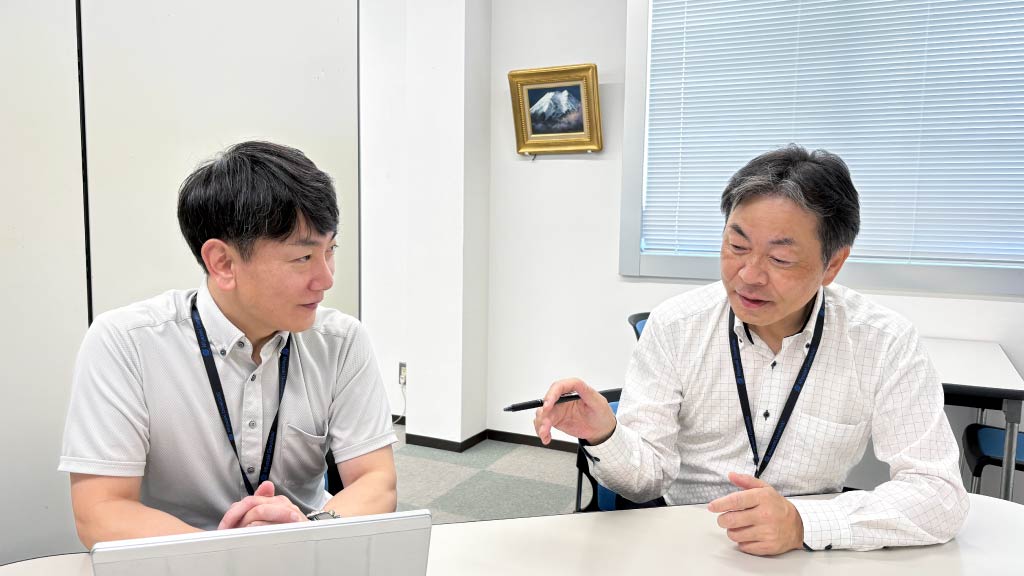
What features did you find attractive?
Mr. Nagatomo: The ability to create not just materials but also tests was appealing. The fact that we could operate  courses as a set and measure educational effectiveness was very useful.
Being able to check learning histories was also important. The service was very affordable, and I thought, "This is a great fit for us."
Optimizing for Each Department to Transform Company-wide Learning
Can you describe how you actually use and manage learningBOX?
Mr. Miyaura: Currently, about 96 staff members—including all five branches—are using it. Our staff falls into four categories: Sales, Engineering (Technical Services), System Sales, and General Affairs.
We provide accounts to all staff, limiting General Affairs to full-time employees.
Do all job categories receive the same training?
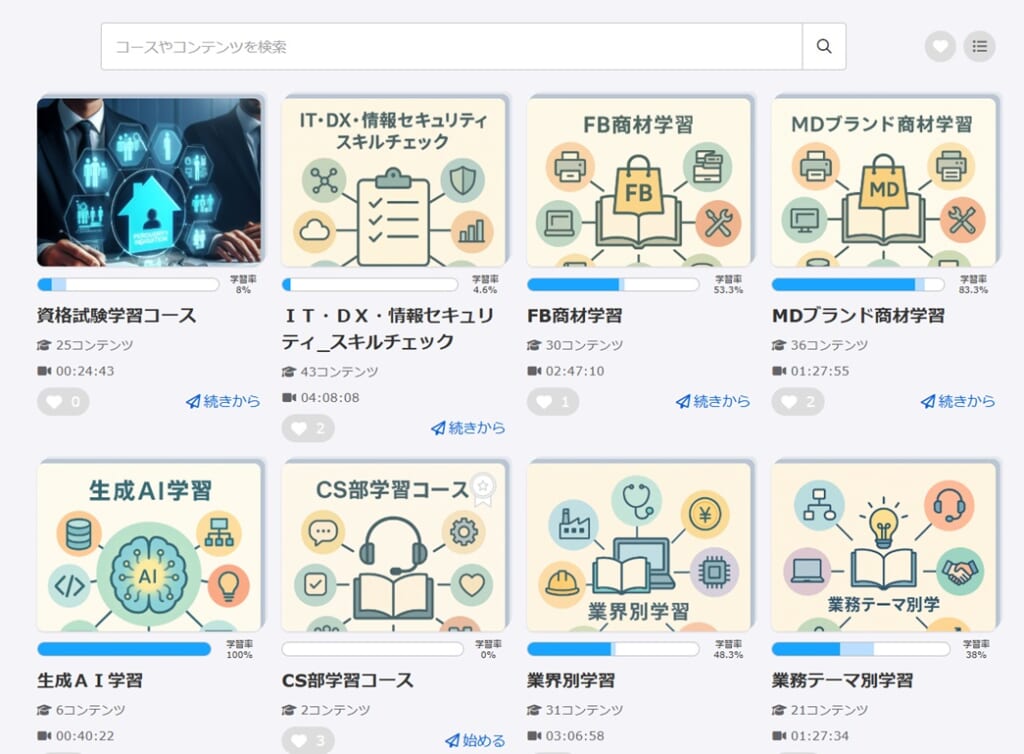
Mr. Miyaura: No, we tailor content by job type. Engineering staff need to regularly review technical information and now use learningBOX to study during downtime. This is now our standard process.
For Sales, we upload videos with product/service guides and in-house content useful for sales activities, to help staff acquire required skills and knowledge.
For General Affairs, we’re still exploring what content works best.
How many people manage learningBOX?

Mr. Miyaura: I am mainly responsible, but a handful of members, including Nagatomo, handle content uploads and course creation.
Each is assigned as a Content manager, so they can edit materials as needed. We archive completed materials so that currently relevant content stays at the top.
How do you conduct "confirmation tests" for evaluating training effectiveness?
Mr. Miyaura: We conduct a "DX Skill Check" every six months with about 30 questions, using multiple-choice question, Multi-MCQs. Each question has an explanation, and staff can retake the test until they pass.
We aggregate results and report them regularly to each team.
Easy Editing; Wanting More Flexibility in Display Customization
Have you faced any usability issues or areas you’d like improved?
Mr. Nagatomo: I’d like more flexibility in customizing how materials are displayed.
For instance, it would be helpful if unlearned materials appeared at the top, or if searches were smoother, making it easier for both learners and admins.
It would also help if scores for content created or released each year could be displayed in a list, making process improvements easier. Plus, if admins could see individual learning progress on a dashboard, it would allow for more personalized follow-up.
Mr. Miyaura: As for me, I have no particular issues. I’m able to use learningBOX without any problems.
Thank you for your thoughts. On the flip side, what do you find particularly user-friendly about learningBOX?
Mr. Miyaura: Editing is very easy. Uploading videos, moving content between courses, etc., it feels as intuitive as using Windows Explorer.
Also, we can restrict tests (refer to Prerequisites) to be accessible only after viewing certain videos, which helps ensure comprehension.
Confident That Implementing learningBOX Was the Right Choice
What benefits has learningBOX brought?
Mr. Miyaura: It significantly reduced various burdens tied to traditional training, which previously required traveling to head office, sometimes more than two hours from some branches in Miyazaki Prefecture, resulting in hotel stays for brief training sessions.
Miyazaki Prefecture is long from north to south, and even within the same prefecture, some sales offices were located more than two hours away one way, which sometimes required an overnight stay in advance. Whenever a new product was introduced, training was held at the head office, which meant that 12 to 13 sales representatives from outside the head office had to gather at the head office each time, incurring considerable travel and lodging expenses.
For just a one-hour training, staff could spend over four hours traveling and have to stay overnight, making it hard to visit clients during this time. I always felt bad about this burden.
With learningBOX, all that changed. Training can be done from any branch, eliminating all travel, lodging costs, and time—plus, there's no risk of accidents during travel.
Staff can now use spare time to learn, allowing for efficient training with minimal impact on work. I am certain that introducing learningBOX was the right decision.
After two years of using learningBOX, what changes have you seen among staff?
Mr. Miyaura: There have been some very positive changes. Among sales teams, some do skill checks at their own pace, while others set aside 10 minutes at the start of biweekly meetings to complete them together.
In these team sessions, even system staff join in and offer instant explanations, creating a culture of learning together. Answering speed has increased, and overall knowledge retention is improving.
Positioning learningBOX as Our Internal Dictionary and an External Portal
How do you want to further utilize learningBOX?
Mr. Miyaura: Internally, we aim to use it as a knowledge base; externally, as a DX tool for sales.
Currently, guides and manuals for past products are scattered throughout the company. We are unifying these in learningBOX, so employees can access any information they need in one place.
Externally, we plan to make product information accessible to customers directly. Previously, we visited customers to present new products or services with laptops/tablets, but now we want to build a system where customers can view materials and download brochures or videos themselves, and contact us directly via learningBOX.
Specifically, we upload brochures, videos, etc. of each product to the learningBOX, and customers can download the materials themselves, or if they are interested, they can contact us directly from the platform.
We plan to leverage learningBOX to further digitize our sales activities.
Peace of Mind with Solid Support, Both Before and After Implementation
Do you have a message for those considering learningBOX?
Mr. Miyaura: The greatest appeal of learningBOX is its cost-effectiveness and intuitive usability. Free trials and easy editing make it ideal for first-time e-learning users. With low annual costs and licensing sold in lots of 100, it should work for most companies' training needs.
Support from learningBOX is excellent. They are easy to consult with, both before and after implementation, which is very reassuring.
Thank you very much for your valuable insights!
2. Sales of personal computers, network-related products, and software from various manufacturers
3. Construction and maintenance of system networks
4. Catalog and online sales of office supplies
Manager, Sales Promotion Section
Mr. Akira Miyaura
DX Promotion Office
Room monitor
Mr. Yohei Nagatomo




-
 第一弾This User-friendly System Remarkably Improved ResultsSuzuka University of Medical Science
 -
 Effectively Utilizing e-Learning in Elementary EducationDoshisha Elementary School
 -
 vol. 2System Replacement Reduces Support Desk Tasks by 44%, Making Personality Tests Easier to CreateTokio Marine dR Co., Ltd.
-
Discover rich featuresService Guide

-
Feel free to contact usGet in Touch

-
Try our Free PlanTry Free Plan
