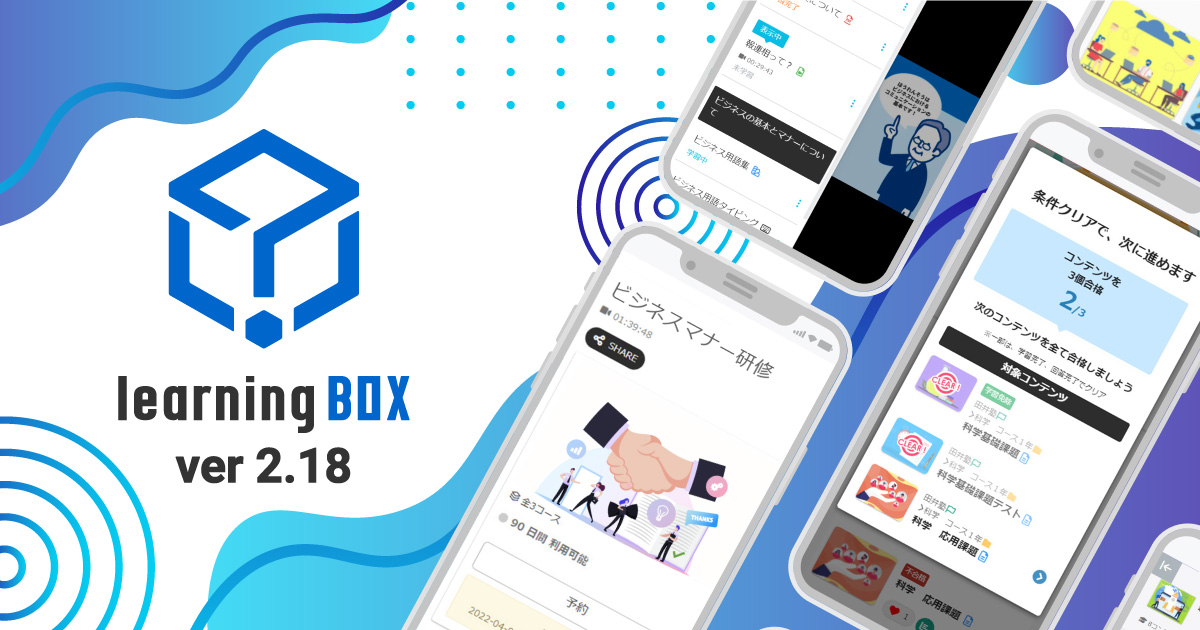
learningBOX upgraded to Ver. 2.18
About This Version Update Thank you very much for your continued use of learningBOX. Today, learningBOX has been updated from Version 2.17 to 2.18. In this article, we will provide a detailed overview of Version 2.18 (released on July 6, 2022), which includes various new features. ▼learningBOX Ver. 2.18 New Features List Item Name New Features/Functional Improvements Course Selection Course Navigation Content Management PowerPoint Course Materials Expanded Report Card Features Quiz/Test Interruption Data Detection Feature Content Pre-Explanation Management Content Redirect Feature Removal of the "List of Submitted Reports" and "Report Grading Management" screens Management of Exemptions from Grading and Analysis Expanded Grade Management Features User Management Unified User Management Content Management Viewing Permissions Adding/Removing Group Membership via CSV Expanded Registration Field Settings Design Customization Limited-Function Authentication Code Settings (Per Registration URL) Contract Status: Automatic Renewal of Paid Plans E-commerce Features Training Features In this version update, the appearance and functionality of two screens have been significantly revamped. Specifically, "My Page" has been replaced by the "Dashboard," and the "Study" screen has been replaced by the "Select Course" screen. Additionally, contract-related features have been expanded, including the addition of a paid option to import PowerPoint materials and automatic renewal of paid plan subscriptions. Course Navigation: A list of other content within the same course is now displayed on the content learning screen. This allows users to view the entire course from the learning screen without having to return to the "Select Course" screen. PowerPoint Course Materials: You can now upload course materials created in PowerPoint directly to learningBOX. Please note that this requires subscribing to the paid "PowerPoint Course Material Import" option. Expanded Report Card Functionality: The report card feature now reflects the latest results in real time and is viewable by administrators. Quiz and Test Interruption Detection A feature has been added that detects data where quizzes or tests were interrupted and notifies the editor. Content Pre-Study Guidance Management This feature allows you to display an announcement regarding explanations or precautions related to a piece of content before a user clicks on it to begin studying on the learning screen. Content Redirect Function When using SCORM learning materials, you can specify and redirect users to any desired content. Discontinuation of the "List of Submitted Reports" and "Report Grading Management" Screens Starting with Ver. 2.18, the "List of Submitted Reports" and "Report Grading Management" screens will be discontinued. Exemption Designation Management: If there are users who need to study specific courses or content and others who do not, you can configure settings to exempt individual users from studying that content. Note that even if an exemption is designated, users can still choose to study the content. Expanded Grade Management Features The name of the "By Question" tab has been changed to "By Learning Material," and a search function has been added to its contents. Additionally, grade data for each learning material can now be filtered and extracted based on conditions such as time period or group. Furthermore, new features such as the ability to download report content and grade analysis have been added. User Consolidation Management You can consolidate grades, badges, and login information from two different accounts (an inactive account and an active account). Content Management View Permissions A new "View" permission has been added to content management permissions. The View permission does not allow users to edit content; it only allows them to view what content is available. Adding/Removing Group Membership via CSV When registering users in bulk via CSV, you can set the "Add Group Membership" and "Remove Group Membership" fields. Expansion of Registration Field Settings In "Registration Field Settings," you can now set the login ID to be hidden. If you enable this setting, the login ID will no longer be displayed on the user profile edit screen. Authentication Code Settings (Per Registration URL) You can set a unique authentication code for each URL. Automatic Renewal of Paid Plans Paid plans can now be set to renew automatically. If you enable automatic renewal, customers will no longer need to submit a renewal request each time. Training Feature The training feature allows you to set up training sessions by specifying the date and time. Users can search for and reserve the training sessions they want, and owners can approve or reject reservation requests. Other Information For detailed instructions or if you have any questions, please contact our CS Sales Team. ● Contact Form We will continue to listen to your feedback and work on improving our features to make your experience even more enjoyable. We appreciate your continued support of learningBOX and QuizGenerator.








 How can AI Improve your Workplace Efficiency?
 How can AI Improve your Workplace Efficiency?
 How to Create Your Own Aptitude Test
 How Much Does an LMS Cost?
 Is a free LMS practical? Explaining how to install and what to look out for







