

learningBOX upgraded to Ver. 2.32


Thank you for using learningBOX.
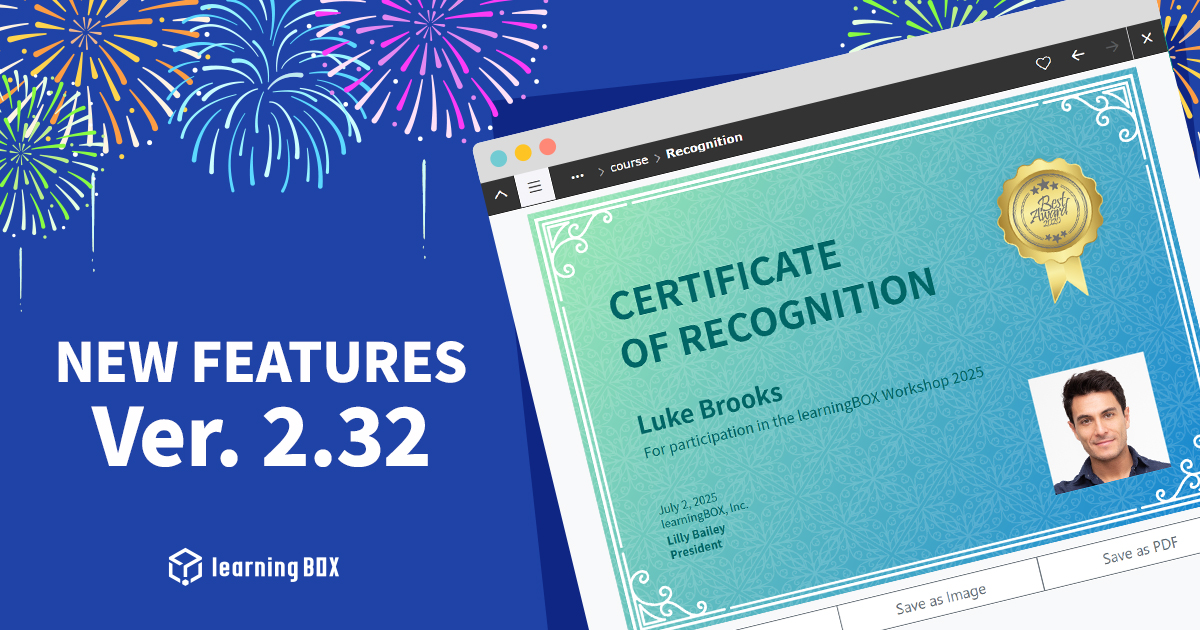
We are very excited to announce that learningBOX has been updated to Ver.2.32 today.
Now let’s try the new features on your learningBOX.
New Features
Auto Generation of a Certificate with Profile Picture
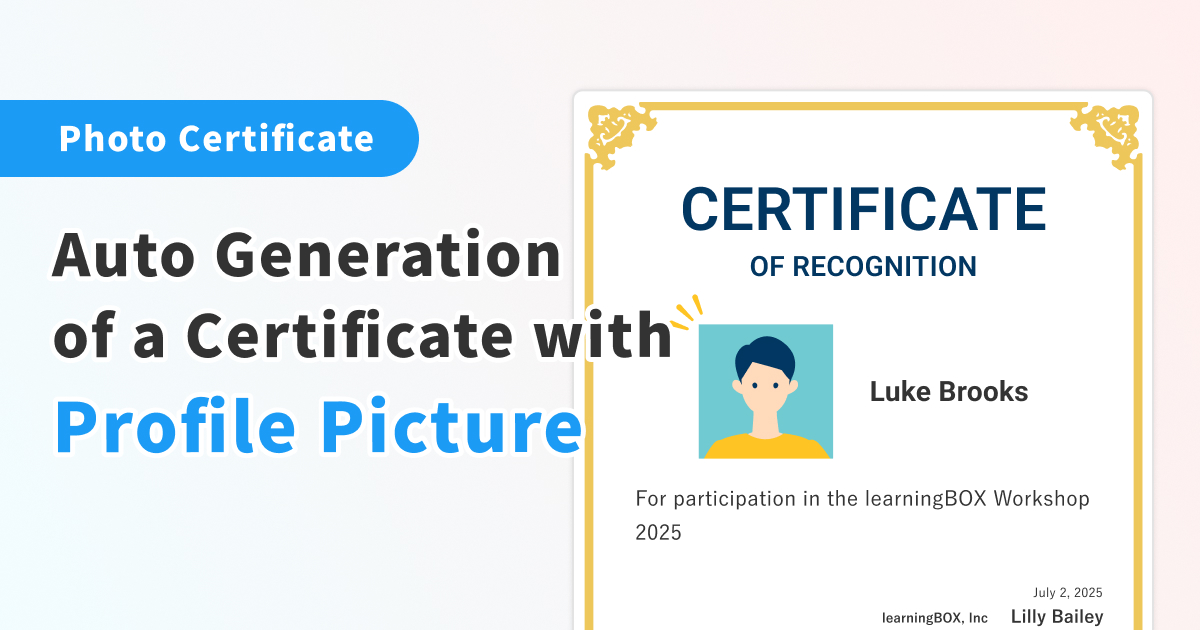
The certificate feature has been updated, and if you are subscribed to the Standard Plan or higher, it is now possible to automatically insert the user’s profile picture into the certificate.
This allows the certificate to be used for a wide range of purposes, such as a certificate of completion of legal training, a certificate of qualification examination, or an employee or member ID card. The user's consent is required for the use of his/her photo, and once consent is obtained, the learner's photo will be automatically inserted in the designated area on the certificate.
*For more details, refer to Create certificate templates.
Ensuring Secure Tablet Examinations
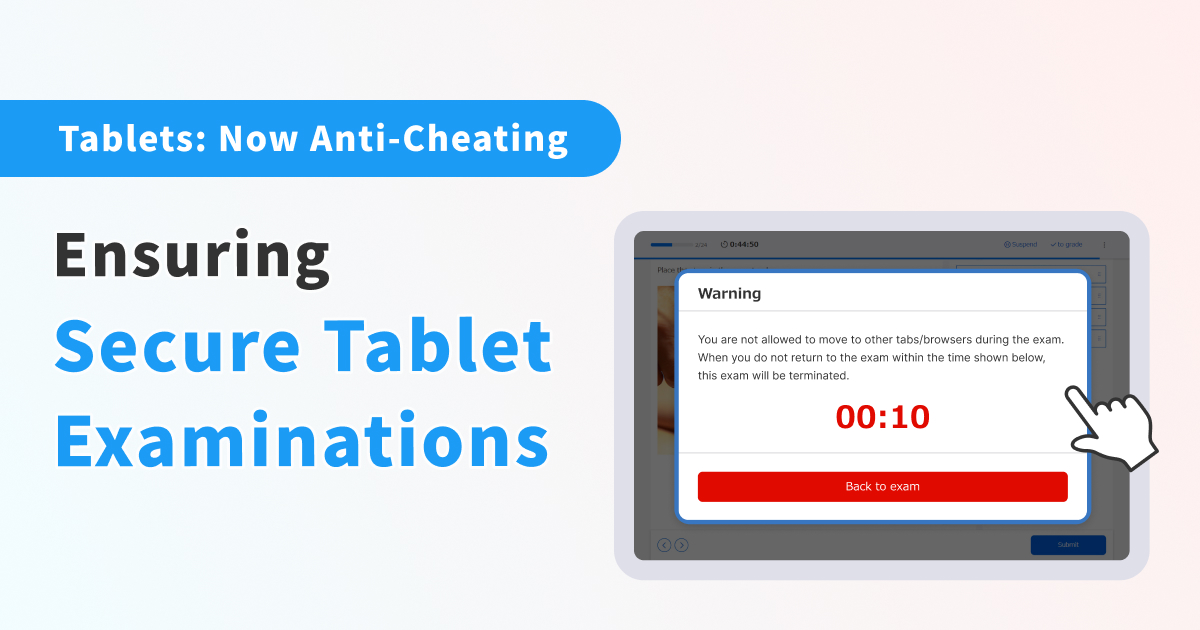
Anti-cheating features are now available for touch devices such as tablets, which are widely used in schools and other institutions.
With this enhancement, browser monitoring on touch devices can now automatically adjust the disabling of full-screen mode and detection of screen maximization, thereby reducing the risk of cheating. As a result, it is now possible to conduct secure and fair examinations on a wider range of devices.
*Features such as Split View and Slide Over are not supported at this time.
*For more details, refer to Proctoring.
Learn by Voice, Assess by Voice
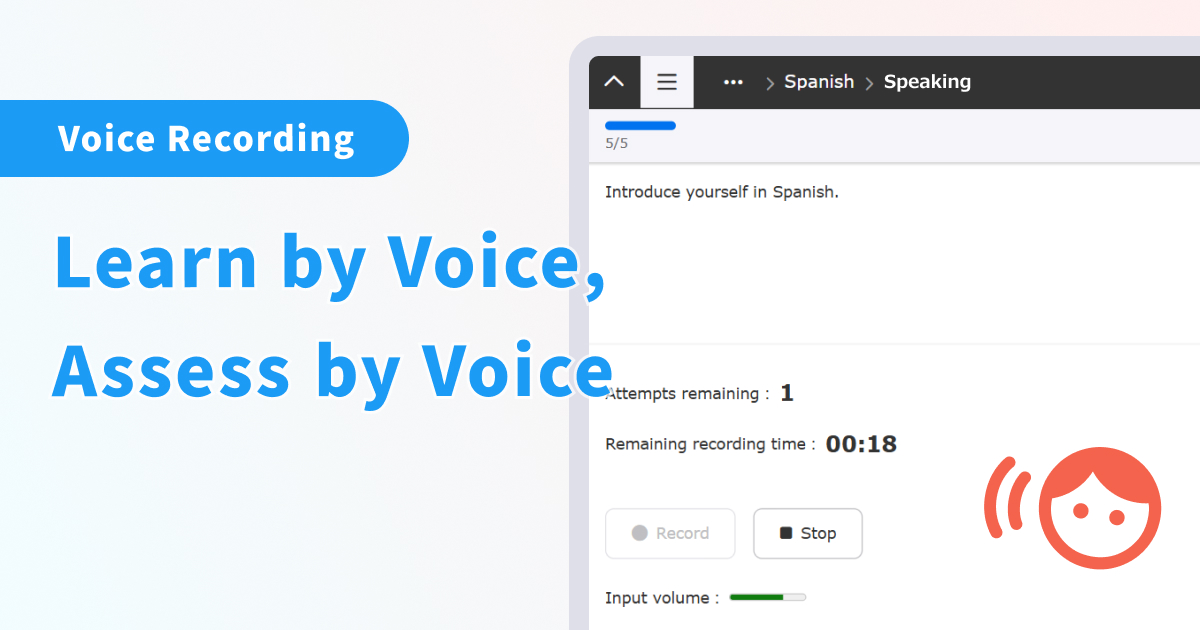
A voice recording feature for speaking practice has been added to the Report/questionnaire format in quizzes/exams.
Learners can now directly record and submit their audio responses within learningBOX, without the need for external tools, which greatly reduces the effort required to answer. Content creators can set the recording time limit. In addition, graders can play and evaluate the submitted audio directly within the LMS, streamlining the process of assessing speaking responses.
*For more details, refer to Voice recording.
New Features/Functional Improvements
For more details on the new features and functional improvements including the ones mentioned above, refer to the release notes.
Others
If you have any questions, feel free to contact us.
We will continue to improve our services for customer satisfaction.
Thank you for being part of us.






-
Discover rich featuresService Guide

-
Feel free to contact usGet in Touch

-
Try our Free PlanTry Free Plan

