

learningBOX upgraded to Ver. 3.0
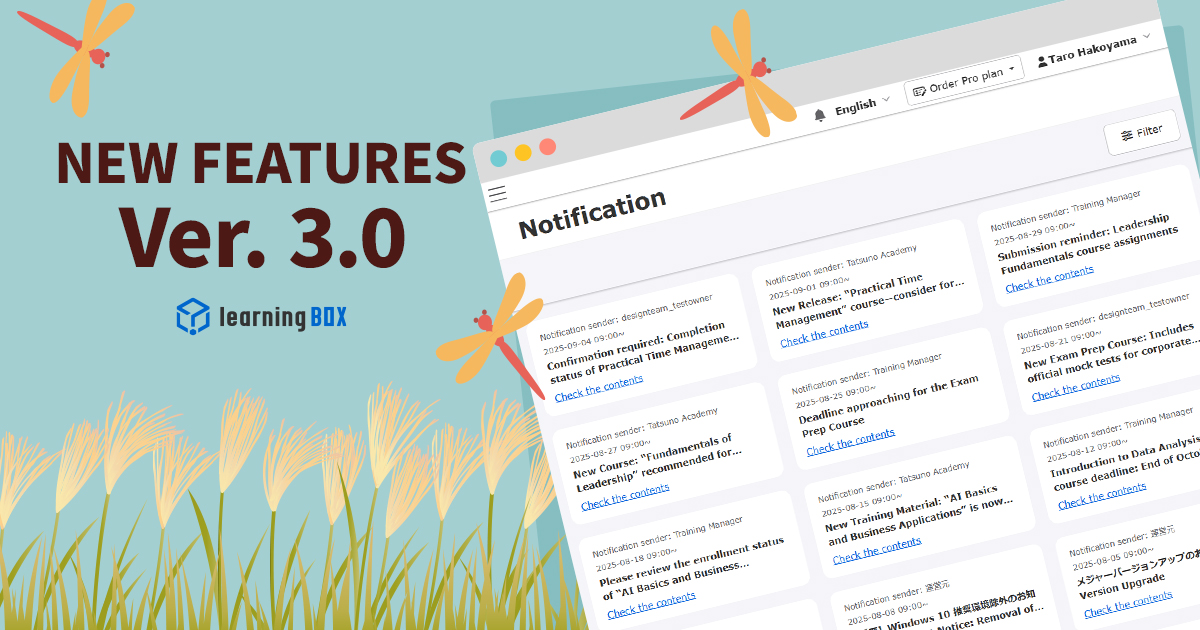


Thank you for using learningBOX.
We are very excited to announce that learningBOX has been updated to learningBOX Ver. 3.0 today.
Now let’s try the new features on your learningBOX.
New Features
More Powerful Notification Features
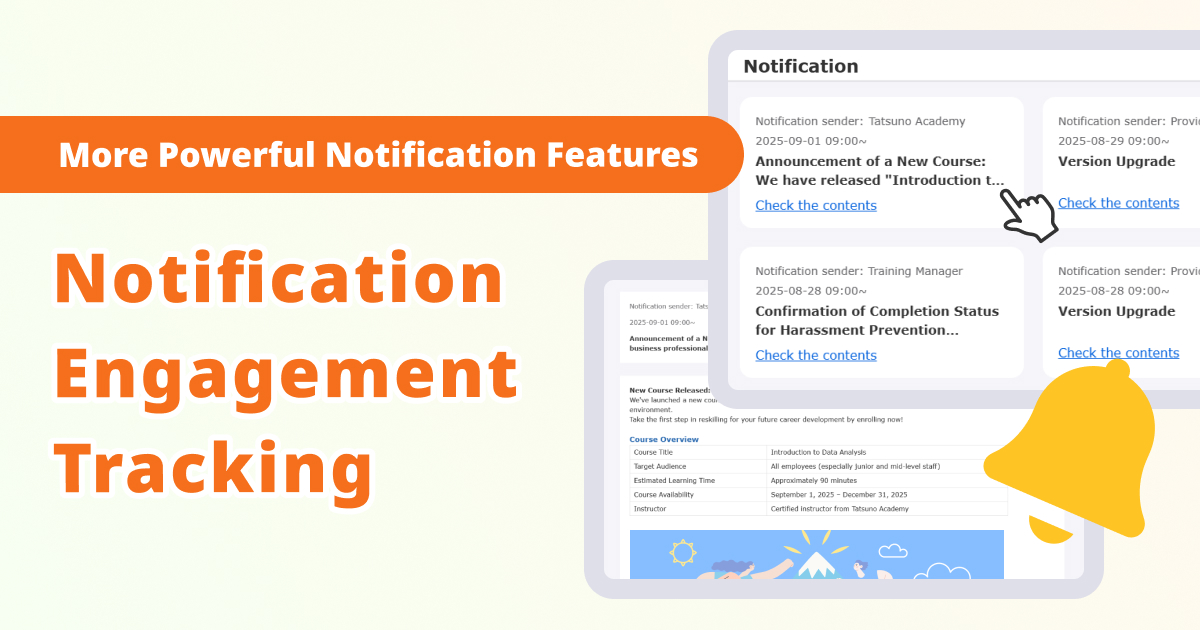
We have newly added a notification page.
With this feature, you can now check all currently sent notifications at a glance and search for them by keyword. Additionally, a bell icon has been placed in the header, allowing you to navigate directly to the notification page by clicking on it. Please note that notification alerts are not supported at this time.
On the dashboard, each notification has the link to the details page so that learners can easily view the information. Please note that it is not possible to determine whether a notification has been read or not.
The sender settings is also newly added to manage this notification feature.
The sender name is displayed both on an email and on the in-system notification. Furthermore, the editor now supports rich text format.
*For more details, refer to Manage notifications.
If you signed up for customization prior to September 17, 2025, you will be required to use the "Customize" option in the Site Customizer.Manage MenuThe function can be used by performing additional menu operations at
LearningBOX3.0 series side menu_header menu changes
Group Access Settings
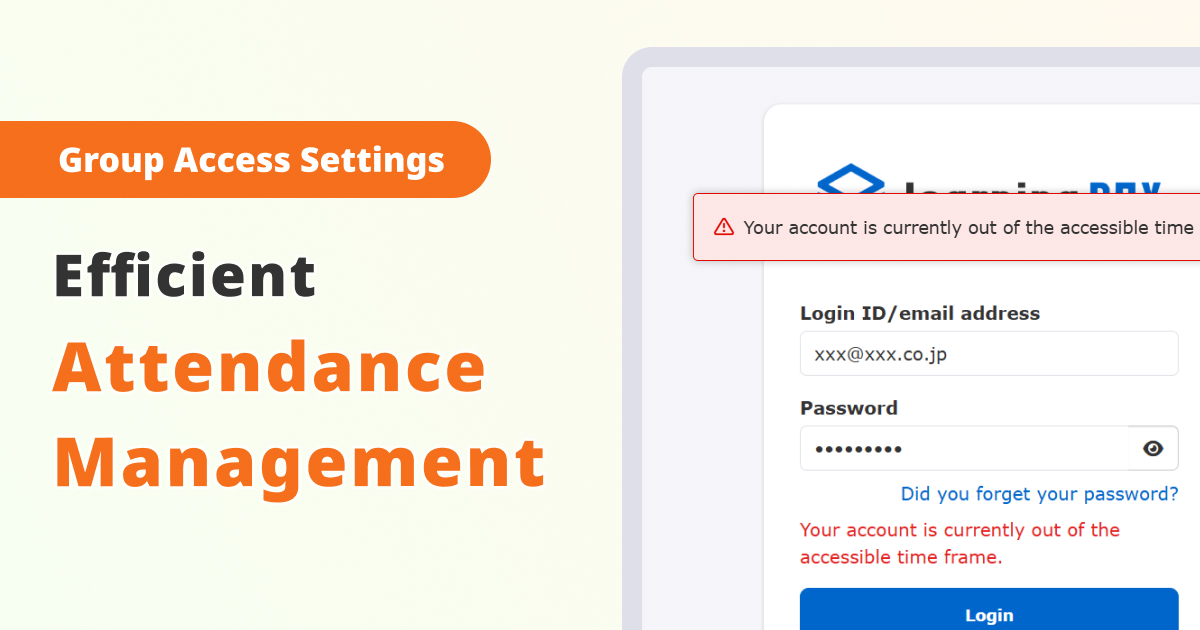
You can restrict the times during which users are allowed to log in, allowing you to set a schedule for login access according to business hours and assign it to each group.
Learners will not be able to log in outside the designated hours, and if they are still logged in when the end time arrives, they will be automatically logged out. A warning pop-up will appear five minutes before the end time. (Co-admin can log in at any time.)
By using this feature, you can prevent course access outside of working hours and ensure operation that complies with your company’s attendance policies.
*For more details, refer to Group access settings.
Seamless Delivery Management
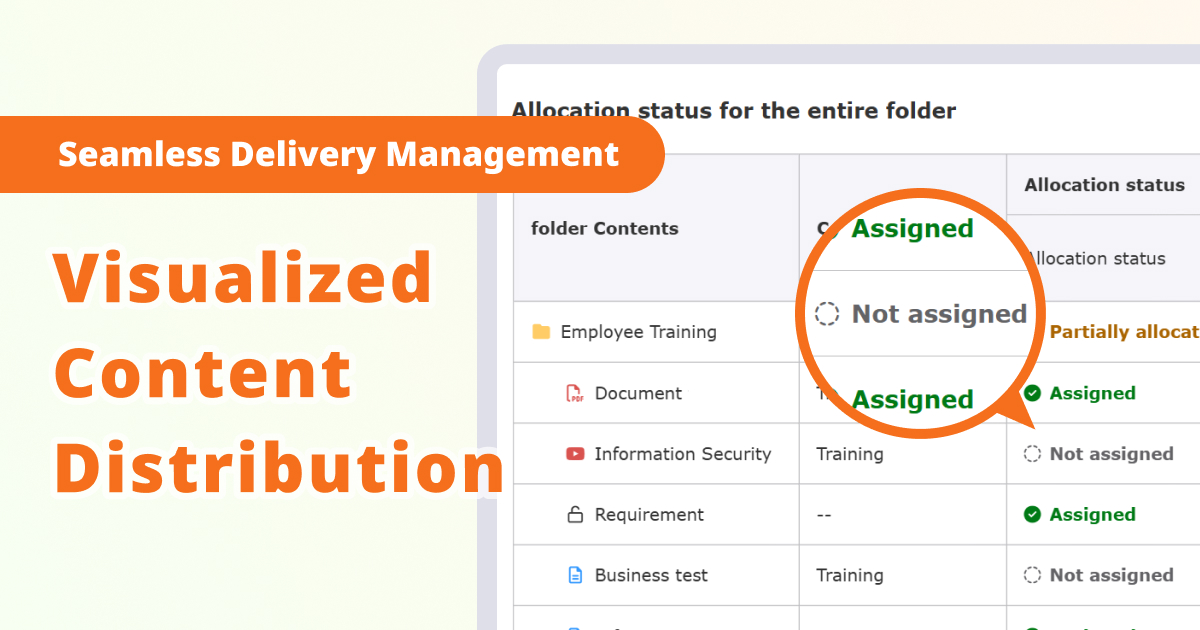
You can now easily check the status of what content is assigned to whom, and whether the content is directly assiged or not.
This visualized content distribution will prevent missteps and result in the seamless content management.
The summary can be filtered by keyword, category or assigned status, and can be exported in a CSV file.
*For more details, refer to Manage content assignment.
If you signed up for customization prior to September 17, 2025, you will be required to use the "Customize" option in the Site Customizer.Manage MenuThe function can be used by performing additional menu operations at
LearningBOX3.0 series side menu_header menu changes
New Features/Functional Improvements
For more details on the new features and functional improvements including the ones mentioned above, refer to the release notes.
Adjustment of the side menu
*This is for those who sbscribe the Customization option.
There are changes to the side menu along with this version upgrade.
Please check the changes from the link below and make adjustments if necessary.
●LearningBOX3.0 series side menu_header menu changes
Notice
Windows 10 Support
Due to Microsoft ending support for Windows 10 on October 14, 2025, Windows 10 will no longer be included as a recommended environment for our services following this update.
While it may still be possible to use our services on PCs running Windows 10, please note that after support ends, there is a risk of unforeseen issues or security vulnerabilities. To ensure that our customers can use our services safely and securely, we strongly recommend updating your OS to Windows 11 or switching to a PC equipped with an OS that meets our recommended environment.
Notice of Version Number Change
We are shifting away from large-scale batch releases in favor of smaller, more frequent updates to reduce risks and lessen the burden of quality management. Additionally, this approach aims to deliver new features, performance improvements, compliance with web standards, and security fixes to users more quickly than before.
To implement this policy, we have changed our version numbering scheme. Currently, we plan to release major versions every three months. However, we intend to shorten the intervals between major version updates compared to our previous schedule.
Others
If you have any questions, feel free to contact us.
We will continue to improve our services for customer satisfaction.
Thank you for being part of us.






-
Discover rich featuresService Guide

-
Feel free to contact usGet in Touch

-
Try our Free PlanTry Free Plan

