Advance notice of the fee structure with the addition of the new feature "Upgrade in the middle of the contract period" from Ver2.13.
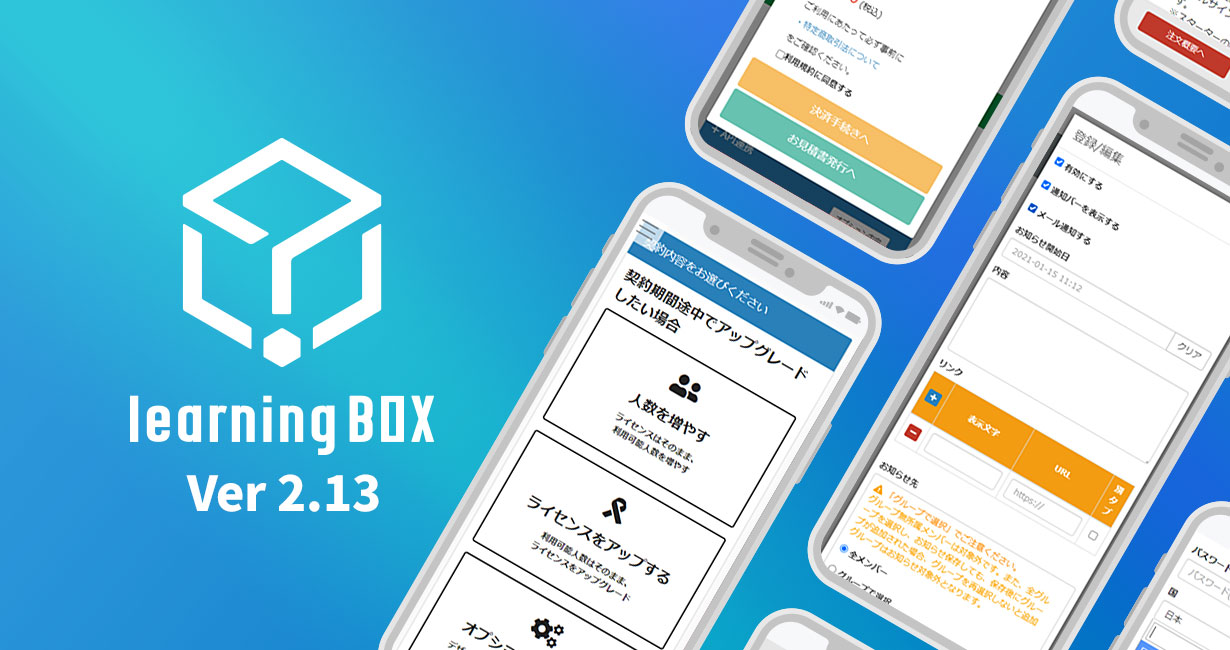
Important Notice: Starting with the update to the Ver. 2.13 series scheduled for around January 2021, you will be able to perform various upgrades even during your current contract period. In light of this new feature, we are providing advance notice of the pricing structure for upgrades made during the contract period. As this information pertains to pricing and is important, we are providing this advance notice. We kindly ask that you review this information. Please be assured that there will be no changes to the pricing structure for existing contracts—such as switching from a free to a paid plan or renewing a paid plan—so there is no need for concern. (This explanation applies strictly to upgrades made during the contract period.) *Please note that starting with Ver. 2.12, the feature to add users via the web during the contract period is already available. Depending on the period during which you apply the change to add users, the pricing structure in the Ver. 2.12 series may be more cost-effective than that in the Ver. 2.13 series. Therefore, if you are thinking, “I just want to increase the number of users,” we strongly encourage you to consider placing an order to add users now. (Depending on your contract details, this may not be possible via the web.) Table of Contents 1. What Does “Upgrading Mid-Contract” Mean? 2. Four Types of Mid-Contract Upgrades 3. Important Notes on the Pricing Structure 4. Other Remarks What Does “Upgrading Mid-Contract” Mean? Have you ever encountered a situation like this? “Another department suddenly needs to use learningBOX, and the number of accounts in our current contract isn’t enough.” “We’re using more videos in our course materials, and the storage capacity of the Starter Plan isn’t sufficient.” “There’s been a sudden request from within the company to switch to a custom-designed LMS.” To address these concerns, we have added a new feature that allows you to add users or upgrade your license via our website—even during your contract period—without having to call us. If you’re facing any of the issues listed above, we encourage you to consider this option. Please note that we also accept upgrade requests via phone or email. Feel free to contact us. (Please be aware that depending on your contract details and package combination, we may not be able to accommodate your request.) There are four types of upgrades available mid-contract period. The “Mid-Contract Upgrade” feature introduced with this new update supports the following four options: ・Increasing the number of users ・Upgrading the license (from Starter to Standard) ・Upgrading both the number of users and the license ・Adding various options *This feature is available only to customers already using a paid plan. (The term “paid plan” here refers to customers currently using a paid learningBOX license plan. A contract for a QuizGenerator license alone does not constitute a “paid plan.”) *Please note that depending on the combination of license types and optional features, we may not be able to accommodate your request. We appreciate your understanding in advance. Important Notes Regarding the Pricing Structure: Please be aware of the following points regarding the feature updates introduced in Version 2.13. If you have an annual contract and wish to add features or upgrade during the contract period, the monthly subscription rate may apply (depending on the effective date of the change). Please refer to the table below first. It summarizes the pricing for annual and monthly contracts. The figures in red represent the annual cost used as the basis for calculation (excluding tax). ▼ License Only Currently on an annual plan, but the monthly rate applies when upgrading If your current plan is an annual plan (e.g., Starter or Standard), depending on the details and conditions of the addition (e.g., you want to add users for only the three months remaining until your contract renewal), the monthly rate—rather than the annual rate—will apply to the additional portion. Calculation Example 1) Upgrading from an Annual Starter 100 plan to a Starter 200 plan mid-contract (contract period remains unchanged) The payment amount in Calculation Example 1 is calculated as follows: Monthly rate per year ÷ 365 (pro-rated) × Remaining days 60,000 ÷ 365 × 171 days = 28,109.58904 ⇒ 28,109 yen * “Annual equivalent of the monthly fee” refers to the total for 12 months of the monthly Starter Plan rate—for example, 60,000 yen (excluding tax). *In this case, since the applicable period is less than one year, the monthly rate is applied. *Consumption tax will be added to the actual billing amount. *Decimal places are generally rounded down. With this system, the monthly rate may make the cost seem higher than expected. Therefore, we have prepared a mitigation measure for this situation. (Mitigation Measure) For annual contracts where the annual contract rate applies even when adding users ※ [Important] The fee calculation method will change starting March 8, 2021. Click here for details. If you set the “Period for Which Changes Apply” to “1 year,” the annual rate will be applied. Calculation Example 2) Switching from the Annual Starter 100 plan to the Annual Starter 200 plan partway through the year The payment amount in Calculation Example 2 is calculated as follows: (Contract amount for the new plan used from the upgrade date until the next renewal date) − (Pro-rated amount for the unused portion of the old plan based on the annual rate) = Amount billed Let’s explain the calculation example above. (Contract amount for the new plan used from the upgrade date until the next renewal date): June 1, 2020 – May 31, 2021 ⇒ Starter 200 (1 year): 60,000 yen (Pro-rated amount for the unused portion of the old plan, calculated using the annual rate): June 1, 2020 – November 18, 2020 ⇒ 30,000 ÷ 365 × 171 days = 14,054.7945 ⇒ 14,054 yen (Annual rate ÷ daily rate × remaining days =) (Contract amount for the new plan used from the upgrade date until the next renewal date) − (Daily prorated amount for the unused portion of the old plan, calculated using the annual rate) = Billing Amount 60,000 yen − 14,054 yen = 45,946 yen *In this case, since the applicable period is one year, the annual rate is applied. *Consumption tax will be added to the actual billing amount. *Amounts are generally rounded down to the nearest whole number. Other Important Notes: ・If you have subscribed to optional services (e.g., hosting/design customization), depending on the status of those subscriptions, the available “period during which the change applies” may be limited, and the annual rate may not be applicable. Please refer to this table for details. ▼Example: Adding only additional users midway through the contract term Current Contract Selection of Period to Which Changes Apply Rules Billing Amount (Unit-Based) Annual Contract Do not change the contract end date Apply monthly rate* If you have optional services, only “Do not change the contract period” is available. Extend the contract period to the new annual term (select 1 year). Apply the annual rate. Remains unchanged. Monthly contract. Do not change the contract end date. Apply the monthly rate.* If you have subscribed to options, only “Do not change the contract period” is selectable. No change. Change the contract end date (select 1 month to 11 months). For 1 month to 11 months, apply the monthly unit price. No change. Update the contract period to the new annual period (select 1 year). Apply the annual unit price. Decrease. Other Notes: ・ As this feature is currently under development and testing, specifications are subject to change. Depending on the circumstances, the information regarding the pricing structure announced here may also be subject to change. In such cases, we will provide a separate notice. ・We plan to provide details on the upgrade feature in conjunction with the release of version 2.13. Regarding the upgrade to the Ver. 2.13 series, we will provide separate advance notice as soon as the schedule is finalized. If you have any questions, please feel free to contact us via the inquiry form. We sincerely appreciate your continued support of learningBOX.





 Choose the Right System to Train Global Talent - 3 key factors for SMEs
 The Ultimate Guide for Selecting the Right Multilingual Trainng Management System
 Human Resource Development Grant for e-Training
 Memorization Strategies
 How to Create Your Own Aptitude Test