How to use e-learning to effectively improve math grades
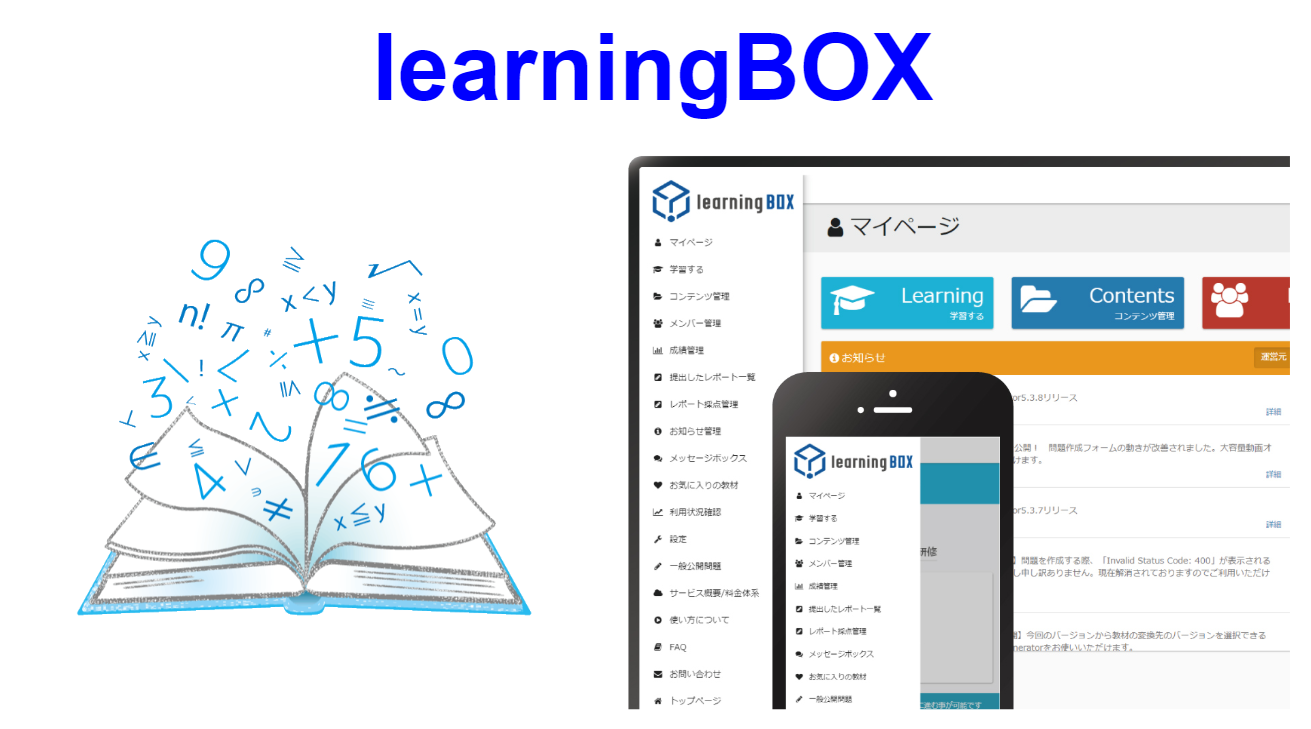
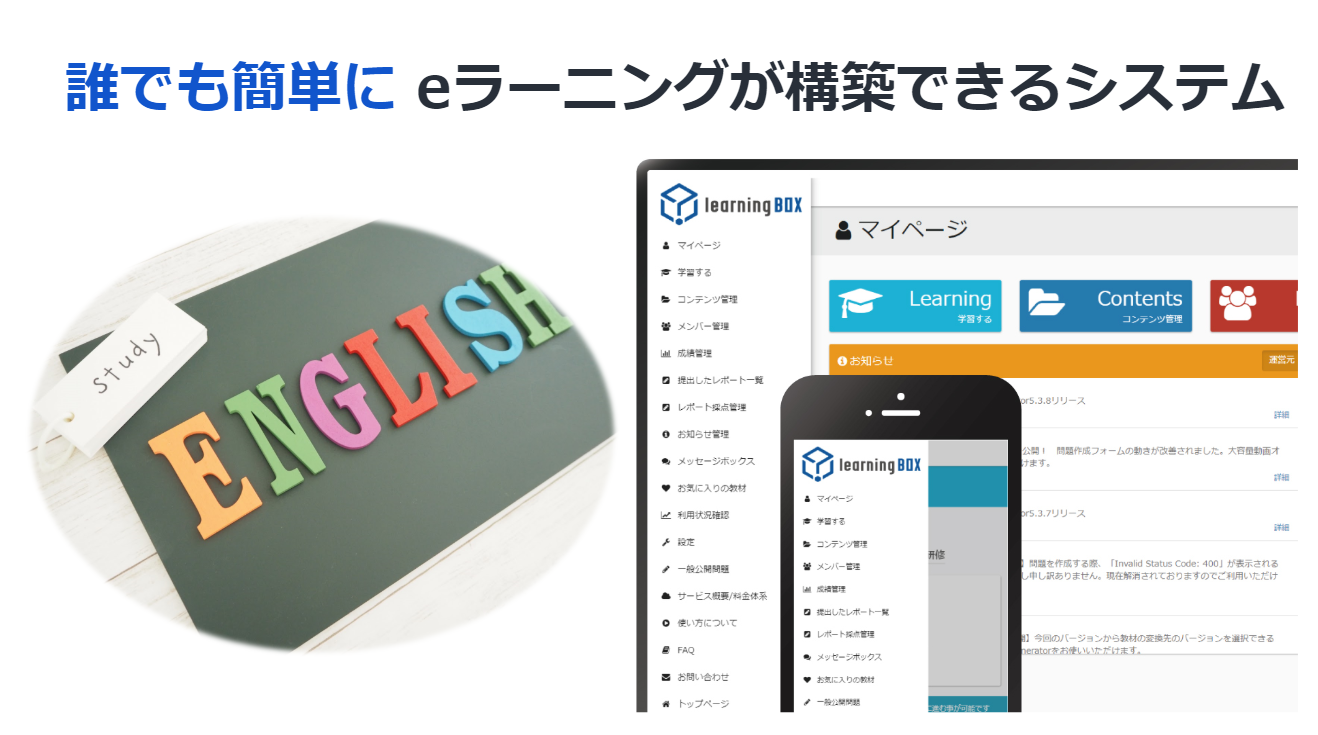
How to Effectively Improve Your Math Grades Using e-Learning Hello, everyone! I’m Kobashi from the Development Team. I loved math through middle school, but high school math wasn’t really my thing (;'∀') 🐧 Do you like math? As for me, I especially enjoyed geometry problems and functions up through middle school. In this article, titled "A Must-Read for Students Who Struggle with Math and Teachers Who Teach It!", I’ll introduce methods for effectively learning math using e-learning. I hope you’ll enjoy this post. Table of Contents 1. What Is e-Learning? 2. Creating Math Problems with learningBOX 3. Course-Based Learning with learningBOX 4. Summary What Is e-Learning? It is a form of learning that utilizes the internet. It is a learning system that allows you to improve your skills at your own pace, regardless of location, time, or subject matter, by utilizing electronic devices such as computers and mobile devices, as well as IT networks. E-learning is a learning method that is attracting attention and generating high expectations in various fields, including personal career development, learning for hobbies, preparation for certification exams, and understanding training content. It is used not only for personal use but also as training material for in-house corporate training, and its scope of application is rapidly expanding. Creating Math Problems with learningBOX With learningBOX, you can easily create and register problems. You can create them using the problem creation form, text files, or Excel files. ▼If you’re not confident in creating problems, we recommend using the “Quiz/Test” option in the problem creation form ▼ If you have a large number of questions or need to work quickly, we recommend using a text file. ▼ If you want to upload them all at once using a format you’re familiar with, we recommend using Excel. You can choose between “Master Mode” and “Normal Mode” for creating and practicing problems. Features of Master Mode: Master Mode is a mode designed for “repeated practice.” Repeated practice helps reinforce memory. We’ve created math practice problems using Master Mode. Be sure to give them a try! We’ve designed them with a wide variety of question formats—including multiple-choice, true/false, multiple-select, essay, fill-in-the-blank, and reordering questions—that are only possible with learningBOX! ☆ Using the optional features, you can create even more customized questions! ★ ・You can configure various settings, such as changing the title or introductory message, and limiting the number of questions. ・You can also hide learners’ scores and answers, as well as set passing scores and time limits. ・For previewing, reviewing, and revising, we recommend randomizing the questions and answer choices. ・For questions that are difficult to understand, you can embed “images, videos, explanations, and report features.” ➡ All of the above optional settings can be configured online via your computer. You can view these options here. Course Learning with learningBOX Here’s a look at the learningBOX screen when logged in from a PC. (Click the image to enlarge.) learningBOX manages learning materials by folder. You can organize questions by folder, group them by subject, or categorize learning materials however you prefer. The learning materials you create can also be set up as course content. Certificates can be issued to successful students, and the survey feature allows you to address study-related concerns and challenges—which are often hard to voice—directly online!! You can set any image of your choice as the cover (thumbnail image) for folders and the learning materials you create. This time, we’ve set a math-related image ( *´艸`)! Setting illustrations or images changes the visual appearance, allowing learners to immediately see what content is contained in each folder. ▼ You can easily assign learning materials to each group via the Content Management Dashboard. ➡As shown here, you can divide students into groups by grade level and distribute learning materials accordingly. learningBOX allows you to assign learning materials to each group. You can configure the distribution and assignment of learning materials for each group. Detailed instructions on how to create and register groups are available in the “Group Registration” section. Limiting the Number of Attempts: You can set a limit on the number of times a lesson can be taken, restricting access to a specific number of attempts. You can also set a time interval between sessions. The interval between sessions can be set in one-hour increments, up to a maximum of 720 hours, determining how long a user must wait before retaking a session. For details, please see “Session Restrictions” here. You can also track learners’ progress! ▼ View your own scores by list or by question ▼ Filter and display scores by learning material folder or by specific materials within a folder ▼ View scores by question type ▼ Filter and display results by group or by individual within a group ▼ Filter and display results by a specific time period ▼ Display results by learning status *Details are provided in the Results Management section. Highly recommended for creating graphs!! Math Learning Support Tool “GeoGebra” So far, I’ve explained how to study math using learningBOX, but when I look back on my own math education, I found that as I advanced through the grades, the material became significantly more difficult—with “complex expressions and functions, algebra, geometry, and calculus”—making it increasingly hard to visualize these concepts. I used to sigh often, thinking, “If only the equations in this problem were represented as graphs or diagrams, I’d understand them much better…” However, these days, there are convenient apps available specifically for math education! Believe it or not, they actually let you visualize the concepts! Furthermore, you can utilize the data you create to generate problems in learningBOX. With this tool, you can easily create graphs. This app is a learning support tool for mathematics that covers all mathematical fields from middle school through college. It’s free to use for educational and learning purposes. Not only is it useful for creating teaching materials and problems for class, but it also seems likely to deepen students’ understanding of the subject. Graphics created in Geogebra can be exported in PNG, PDF, EPS, SVG, or EMF formats via the “Export Image” menu. For this example, I exported the image in PNG format. Even when I resized the image, the curves didn’t become blurry or jagged. You can also export videos as GIF animations. This is extremely useful for graphing tools. If you’re interested, please check this out as well. Summary: In this article, titled “How to Effectively Improve Math Grades Using e-Learning,” we introduced methods for creating problems and learning courses using learningBOX. With learningBOX, even those who don’t know how to program or aren’t comfortable using computers can start e-learning. There are still many content features we weren’t able to cover in this article. The “Fill-in-the-Blank Notes” feature, designed specifically for memorization, is also very useful. Thank you for reading this article.









 Choose the Right System to Train Global Talent - 3 key factors for SMEs
 The Ultimate Guide for Selecting the Right Multilingual Trainng Management System
 Human Resource Development Grant for e-Training
 Memorization Strategies
 How to Create Your Own Aptitude Test







