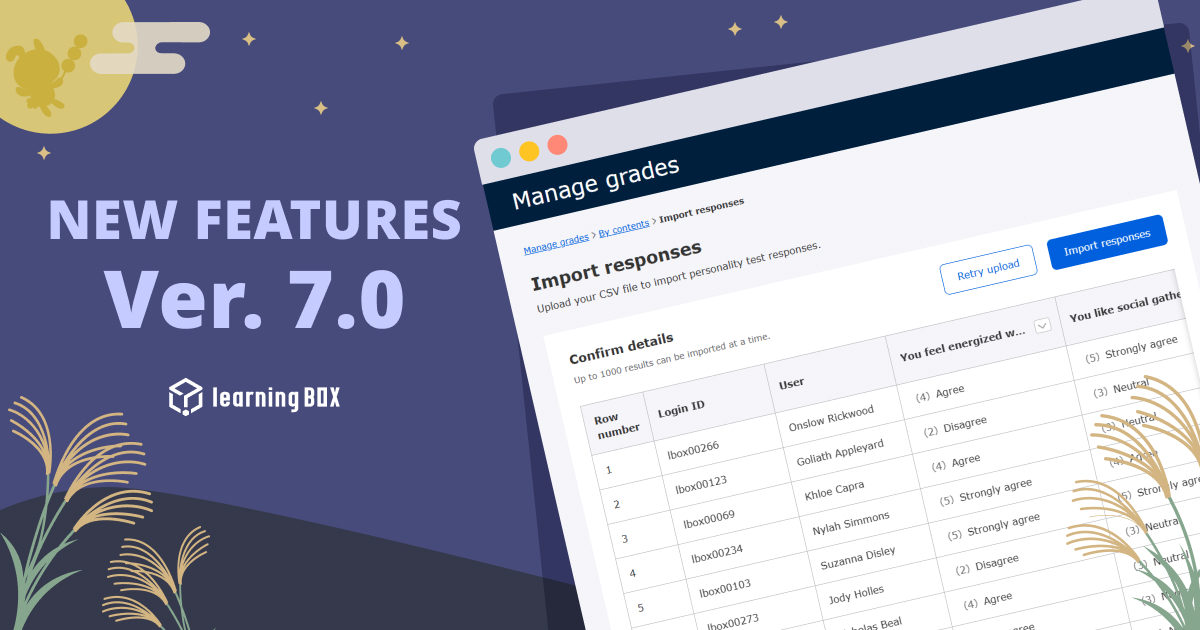
Ver. 7.0


Thank you for using learningBOX.
We are pleased to announce that learningBOX has been updated to Ver. 7.0 today.
Now let’s try the new features on your learningBOX.
New Features
Default Display Period for Manage Grades
A new feature has been added to change the initial setting for the display period of grades in the Manage grades menu. Previously, users had to narrow down the display period each time they navigated to the page. Now, Admin and Grade managers with permissions to edit all users and content can set a default display period ranging from 1 to 60 days to suit their operational needs. Once configured, the setting applies across the entire system environment, immediately displaying grades for the desired timeframe upon login.
*For more details, refer to [Manage grades] The Role of gear icon.
Bulk CSV Download for Personality Test Grade Reports
A new feature allows users to bulk download detailed personality test results in CSV format directly from grade reports linked to personality tests. Analysis results, such as trait tag breakdown and text panel evaluations, which were previously only viewable on-screen, can now be exported as single-row records per learner for up to 10,000 entries at once.
*For more details, refer to By Content.
Bulk CSV Import for Paper-based Personality Test Responses
A feature has been added to bulk import personality test response data collected offline (e.g., paper tests or external systems) into the system via CSV file. Simply download the response import template tailored to your target group, enter the learners' selected option numbers, and upload the file to complete the import. Furthermore, grade reports linked to the personality test can be automatically generated within the system based on the imported response data.
*For more details, refer to By Content.
Content Selection Limit for State of Progress Expanded to 300
In the State of progress tab of Manage grades, the maximum number of content items selectable at one time has been significantly expanded to 300. This allows managers to review the overall progress rate and learning status of all learners side-by-side in a single view, even for large-scale courses or curricula with an extensive number of content.
*For more details, refer to Set Conditions.
Added Email Dispatch Permission Option for Grade Manager
A control option has been added to grant users with Grade manager (View) permissions the authority to send emails, such as grade notifications and learning progress updates. When the Admin enables this feature in the settings page, managers with View permissions can send specified notification emails. If disabled, the corresponding menu option will be hidden.
*For more details, refer to Settings.
New Features/Functional Improvements
For comprehensive details on all the new features and improvements in this release, please refer to the release notes linked below:
Notice
Specification Changes
With this update, the specifications of some functions have been changed.
● Added permission setting for sending emails under Grade manager (View)
● Changed email notification frequency in the Message feature (immediate notification upon receipt)
● Updated rich text editor
Please review the details via the link below and take action as necessary:
● [Advance Notice] Notice of Specification Changes Accompanying the Release of Version 7.0
Other
If you have any questions, feel free to contact us.
We will continue to improve our services for customer satisfaction.
We look forward to your continued patronage.