Ver. 5.0
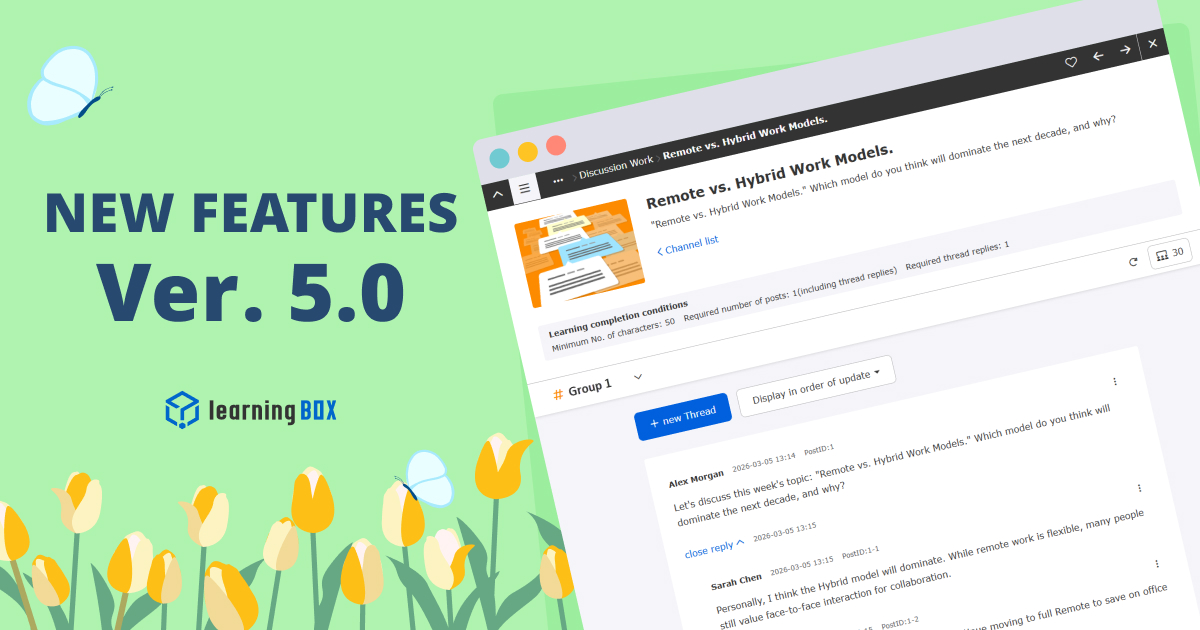
Thank you for using learningBOX. Today, learningBOX has been updated to Ver. 5.0. We would like to introduce you to the various functions that have been added and improved with the update. Enhanced functions AI scoring has evolved! Support for Rubric Assessment The AI scoring function has been enhanced in the writing-type questions of quizzes and tests. AI automatically generates a score and feedback plan for each evaluation point of view you set. The AI can also add and adjust instructions (prompts) for grading, allowing the administrator to revise and finalize the grading based on the AI's suggestions, thereby ensuring efficient and fair grading. *For details, please refer to "Report and Survey Writing Questions. View illustrated materials (PDF) Discussion function to deepen learning A new "Discussion function" has been added to allow learners to exchange opinions with each other on a theme. The threaded discussion board allows users to post their own opinions and reply to other learners' posts. The administrator can set the number of posts and replies as learning completion conditions, and can also provide ratings and feedback on individual posts. The system promotes not only one-way input of knowledge, but also output to consolidate knowledge and build a community among learners. *For details, please refer to "Discussion". If you have a customization contract prior to March 18, 2026, you can use the functionality by adding menu items in the "Menu Management" section of the Site Customizer. learningBOX 5.0 Series Side Menu_Header Menu Changes Illustration View documents (PDF) Conversation in groups! Talk Room" function is now available! In addition to the existing "Direct Message" function, a new "Talk Room" function has been added to allow group-based conversations. Chat rooms can be created in which members of training groups or departments can automatically participate, enabling smooth communication within the LMS. In addition, the direct message function has been enhanced to support communication between multiple users (up to 10 people), including the ability to send files such as Word and Excel files and to confirm that messages have been read. The name "Direct Message" has been changed to "Message," making it even easier to use. For details, please refer to "Messages". View Illustrated Materials (PDF) Course/Folder and Individual Course Due Dates The ability to set course due dates has been greatly expanded. Previously, deadlines were mainly set by content unit, but now it is possible to set deadlines by "course" or "folder" at once. In addition, it is now possible to set due dates not only for groups of courses, but also for individual users. The set due dates are clearly displayed on the course list and details screen of the learner screen with statuses such as "0 days to go" and "overdue," and the dashboard will also be expanded with a panel function that notifies users of incomplete content. *For details, please refer to "Course Due Date". View illustrative materials (PDF) Quiz and video analysis! Excel Report Output Function The grade management function has been enhanced to output the aggregate results of quizzes, tests, and videos as Excel reports. Previously, only the survey function was supported, but from now on, grades for learning content can also be downloaded in an easy-to-understand visual format. In addition, administrators can choose from multiple templates to suit their purposes, eliminating tedious tabulation work and allowing them to create documents with a single click that can be used for reporting to superiors or analyzing learning status. *For details, please refer to the "Report Output" section. View Illustration (PDF) Automatic Archiving of Closed Products (e.g., Training Courses) A new function has been added to automatically archive products (e.g., training courses) that have been sold or distributed to the public after the end date of their release. Previously, archiving was done manually by the administrator, but from now on, the system will automatically process the archiving once a day. Automatic archiving can also be turned on or off during batch registration by CSV. When the status is set to "archive," the system will automatically hide (or archive) the course on the student's screen as well, eliminating the need for maintenance after the course is no longer open to the public. *For details, please refer to "Training Management," "Curriculum Management," "Product Registration," and "Seminar Management. View Illustration (PDF) Grade Correction Function for Concurrent Learning Errors A new function has been added that allows administrators to correct "invalid" or "error" grade data that has been forcibly interrupted by concurrent learning control as "normal" grades at a later time. The administrator can check the data from the grade details screen and correct the data only once with the administrator's authority. This allows the system to provide remedies to learners in the event that grades are not recorded due to communication problems or mishandling of the system. *For more details, please refer to the "Warning about Multiple (Simultaneous) Study of the Same Content" section. View Illustration (PDF) List of New Functions/Functional Improvements For detailed information on the new functions/functional improvements added this time, including the aforementioned functions, please refer to the following Release Notes. (This is for customers who have subscribed to the "Customize" paid option.) The side menu and header menu have been changed in accordance with this update. Please check the contents from the link below and adjust as necessary. ●Concerning changes to the side menu/header menu of the learningBOX 5.0 series Announcement Prior notice concerning renewal of the "Content Management" function (reprint) "Course Management (beta)" has been renamed "Content Management" as the official version with improved performance and operability, and will be switched to the new screen starting with Ver. 5.0. The new screen will be available from Ver. 5.0. The existing "Content Management" will be provided as "Content Management (Old)" with a dedicated URL only for a certain period of time, and the existing URL will automatically switch to the new "Content Management" between Ver. 5.0 and Ver. 7.0. The redirect will be stopped and the old screen will be discontinued with Ver. 7.0. In accordance with this change, there are some items that customers will need to address. Dashboard: Please change the "Content Management" panel to the new URL after Ver. 5.0 (for all customers). Menu Management: Please move or hide the "Course Management (beta)" menu item in the side menu (for customers using the Site Customizer). System Language Settings: System languages changed in the previous Content Management screen may not be reflected in the new screen. If the display differs from your intention, please reset the language settings (for customers using the Site Customizer). For details, please refer to "[Important] Renewal of "Content Management" function (migration to new functions)". For an overview of the major changes and additions to the new screen (current screen display: "Course Management (Beta)"), please refer to the following. Please refer to the following for a summary of major changes/additions to the new screen (current screen display: "Course Management (Beta)"). Please refer to the following links for details and take necessary actions. Please refer to the following links for details and take necessary measures as needed. We will do our best to continue to provide products and services that satisfy our customers. We appreciate your continued patronage and look forward to your continued support.



 Choose the Right System to Train Global Talent - 3 key factors for SMEs
 The Ultimate Guide for Selecting the Right Multilingual Trainng Management System
 Human Resource Development Grant for e-Training
 Memorization Strategies
 How to Create Your Own Aptitude Test







